Newsletter
Join the Community
Subscribe to our newsletter for the latest news and updates


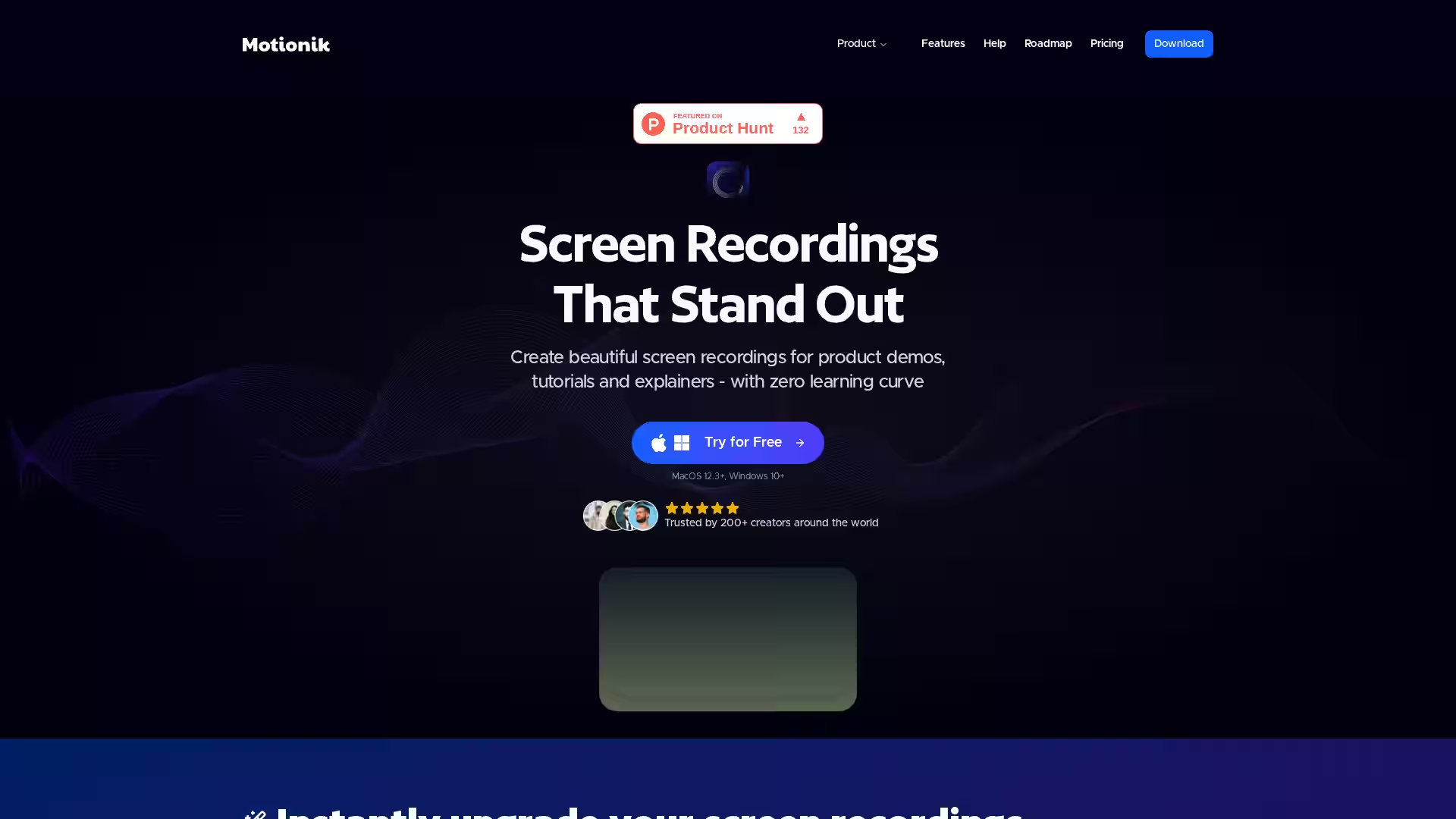
Create polished, professional screen recordings with auto-zoom, editing, and AI enhancements for Windows and macOS—no learning curve needed.
Motionik is an all-in-one screen recording and editing tool designed for Windows and macOS users seeking to create professional-quality product demos, tutorials, explainers, and promo videos with ease. Trusted by over 200 creators worldwide, Motionik streamlines the entire process by combining recording, auto zoom, cursor tracking, and powerful editing features into one intuitive platform. Whether you’re capturing your desktop, webcam, or iPhone screen, Motionik delivers studio-quality videos in minutes without juggling multiple apps or spending hours on manual edits.
Optimized for modern Windows 10+ and macOS 12.3+ systems, Motionik is ideal for creators, educators, marketers, and software professionals looking to produce content that stands out. It eliminates the traditional steep learning curve with its smart automation and customizable tools.
Auto Zoom & Pan: Automatically zoom into key moments with cursor-tracking that follows your mouse movements naturally. Manual zoom control and smooth, customizable zoom transitions give you full creative flexibility.
Cursor Customization & Click Effects: Highlight your mouse pointer with custom styles, animations, and click sounds to emphasize interactions clearly.
Overlays for Engagement: Add text annotations, titles, captions, images, logos, and highlights easily. Content masks help hide sensitive information seamlessly.
Webcam & Audio Integration: Incorporate webcam footage and microphone input with full control over camera position, resizing, and timeline visibility.
Mobile Device Recording: Capture your iPhone or iPad screen through a USB connection, perfect for app demonstrations and tutorials.
Appearance Customization: Customize video elements with inset shadows, rounded corners, backgrounds, and borders to maintain on-brand consistency.
Trim & Edit: Quickly trim unwanted sections, apply motion blur effects, and organize clips without leaving the app.
Flexible Export Options: Export videos in multiple formats, aspect ratios, and quality presets suitable for any platform or use case.
AI-Powered Enhancements: Generate automatic transcripts and reduce background noise with integrated AI features for clear, accessible presentations.
Product Demos: Showcase software features or workflows with clear focus points, zooms, and cursor highlights to demonstrate functionality flawlessly.
Educational Tutorials: Create engaging and easy-to-follow instructional videos with annotations, captions, and smooth camera zoom effects.
Marketing & Promotional Videos: Craft compelling explainer videos with professional overlays, branded styling, and integrated webcam presentations.
Remote Support & Training: Record step-by-step guides with clear audio and visual emphasis on critical UI elements.
App Demonstrations: Use mobile recording features to capture iPhone/iPad screens for app reviews, walkthroughs, or bug reporting.
Q: What platforms does Motionik support? A: Motionik is available for Windows 10 and above, and macOS 12.3 and later.
Q: Can I record webcam and microphone simultaneously? A: Yes, you can add both webcam and microphone input with full control over positioning and timing.
Q: Is there support for mobile device recording? A: Yes, you can record your iPhone or iPad screen by connecting via USB.
Q: What editing features are included? A: Motionik lets you trim videos precisely, add overlays (text, images, highlights), customize cursor animations, control zoom, and apply motion blur effects.
Q: Are there AI features? A: Yes, Motionik offers AI-powered noise reduction and automatic transcription for your recordings.
Q: How easy is it to export videos? A: You can export in multiple formats and aspect ratios tailored for various platforms and devices.
Q: Is there a free trial? A: Yes, you can try Motionik for free on supported macOS and Windows systems.
Motionik transforms screen recording from a tedious chore into a creative and efficient process, empowering users to produce polished, engaging videos quickly and professionally.