Newsletter
Join the Community
Subscribe to our newsletter for the latest news and updates


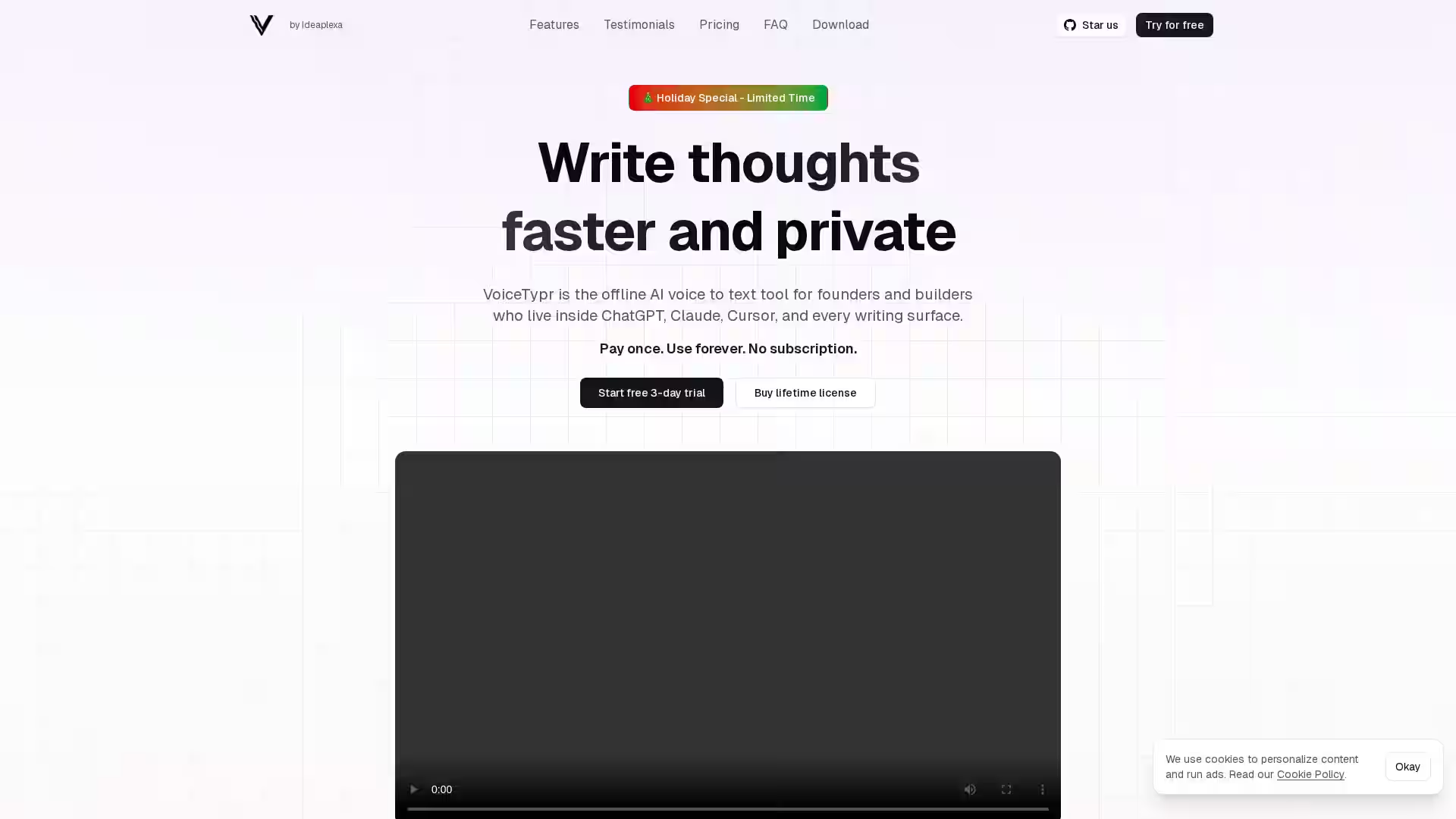
Voicetypr is a voice-to-text transcription tool that converts speech into accurate, editable text in real time.
Voicetypr is an advanced voice-to-text application designed to make speech transcription fast, intuitive, and highly accurate. Built for professionals, students, content creators, and anyone who prefers speaking over typing, Voicetypr uses cutting-edge speech recognition technology to convert spoken words into text in real time. Whether you're recording a lecture, dictating notes, capturing ideas, or transcribing interviews, Voicetypr removes the friction of manual typing and empowers you to focus on the substance rather than the mechanics of writing.
At its core, Voicetypr is about accessibility and productivity—it gives users the ability to seamlessly capture language without interruption, translating voice into clean, editable text. This allows for easy editing, formatting, and exporting, ensuring that your spoken ideas are preserved exactly how you intend.
1. Real-time Voice Transcription Voicetypr recognizes and types your words as you speak, providing immediate feedback and making it ideal for live dictation or note-taking.
2. High Accuracy Speech Recognition Using smart algorithms and adaptive machine learning models, Voicetypr reliably catches nuances, accents, and speech patterns to maintain text accuracy and coherence.
3. Multi-platform Accessibility Accessible directly via a web interface, Voicetypr works on desktop and mobile browsers, enabling transcription anywhere without cumbersome installs.
4. Simple Editing Tools Once text is transcribed, you can quickly review and correct it—making it easy to produce polished, final drafts.
5. Privacy-Focused Processing Voicetypr emphasizes user privacy and may offer local or secure cloud-based processing to ensure that speech data is protected.
6. Export and Integration Options Users can copy text directly or download finished transcripts for use in emails, reports, blogs, or other documents.
7. Hands-Free Productivity The design supports continuous dictation without repeated manual input, freeing you from the constraints of typing speed.
For Students: Record and transcribe lectures or study notes to save time and capture more detail than handwritten notes.
For Professionals: Dictate emails, reports, meeting minutes, and brainstorming ideas, increasing productivity during busy work schedules.
For Journalists and Content Creators: Transcribe interviews, podcasts, or speeches into editable text, accelerating content creation workflows.
For Accessibility: Assist individuals with mobility impairments or those who find typing physically challenging, making text creation more inclusive.
For Language Learners: Practice speaking a language and receive immediate transcription feedback to reinforce learning.
Q: Do I need to install any software to use Voicetypr? A: No installation is required. Voicetypr runs in your browser, so you can use it on any internet-enabled device.
Q: Is Voicetypr free to use? A: Pricing models may vary; check the official site for free access tiers or premium plans.
Q: How accurate is the transcription? A: Accuracy depends on microphone quality, speech clarity, and background noise, but Voicetypr employs advanced algorithms to maintain high fidelity.
Q: Can I use Voicetypr offline? A: At present, Voicetypr requires an internet connection for real-time transcription.
Q: What languages are supported? A: Language support varies; check the official site for available languages and dialects.
Q: Is my voice data stored? A: Voicetypr prioritizes privacy, and depending on configuration, voice data may not be stored or may be securely processed. Verify privacy policies for exact details.
Q: Can I export transcripts? A: Yes, you can copy, paste, or download the text output for use in other applications.
Voicetypr offers a simple yet powerful voice-to-text solution for anyone looking to speed up their workflow, capture spoken ideas, or make writing more accessible. Its user-friendly interface, real-time transcription capabilities, and focus on accuracy make it a valuable tool across education, business, media, and personal use.