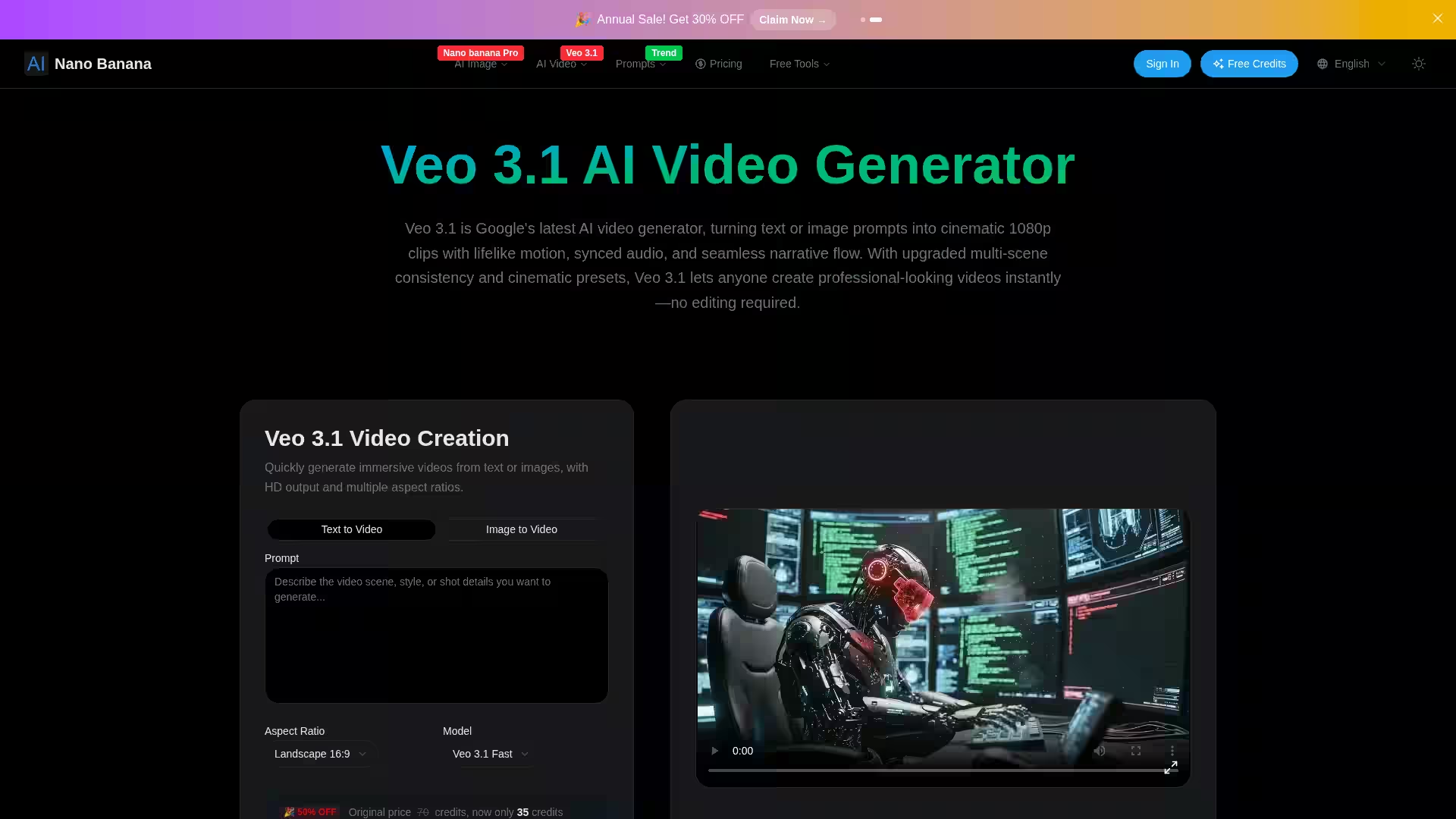
Veo 3.1 AI Video Generator is Google DeepMind’s latest innovation in AI-powered video creation technology, brought to you by Nano Banana. It transforms simple text or image prompts into high-fidelity, cinematic 1080p videos complete with synchronized audio, lifelike motion, and smooth narrative flow. Designed for users of all skill levels, Veo 3.1 generates professional-quality short clips instantly, without the need for complex editing. With advanced scene consistency, cinematic presets, and extended creative controls, it lets you bring your storytelling vision to life in seconds.
Key Features
Text and Image to Video: Easily generate immersive videos from written prompts or images, supporting multiple aspect ratios and HD output.
Audio-Visual Harmony: Built-in voice synthesis, realistic dialogue with lip-sync, ambient sounds, and background music—all automatically aligned for superb audio-visual synchronization.
Frame-Perfect Control: Specify keyframes (start and end) and let Veo 3.1 fill in smooth intermediate motion, giving you refined control over video timing and flow.
Scene Extension: Seamlessly extend previously generated videos by adding frames to create longer sequences while maintaining visual and narrative consistency.
Reference Image Guidance: Use up to three reference images to influence composition, color palette, and style, blending multiple inspirations into your final video.
Hollywood-Quality Cinematic Presets: Apply professional camera moves (pans, zooms, tracking), lighting moods (golden hour, noir), and stylistic tones instantly with one click.
Seamless Scene Transitions: Maintain character, props, and environment continuity across multiple scenes, enabling complex storytelling with smooth visual transitions.
Cloud-Based Processing: All video generation runs on Google’s servers—no special hardware needed, and accessible via browser.
Cost-Efficient: New users receive free credits to start; paid plans unlock more generation capacity. Currently offered at a 50% discount (35 credits vs. original 70).
Content Creators & Social Media Influencers: Quickly produce eye-catching video clips with professional cinematic quality and synchronized audio for platforms like YouTube, Instagram, and TikTok.
Marketers & Advertisers: Craft compelling product promos, brand stories, and ads with minimal effort and no technical video editing experience.
Educators & Trainers: Generate engaging short videos and tutorials that combine narration, ambient sound, and visuals precisely.
Storytellers & Filmmakers: Experiment with scene continuity, dynamic camera moves, and audiovisual effects to prototype short film scenes or narratives.
Game Developers & Animators: Use frame-by-frame control and reference images to create character animations and cinematic sequences efficiently.
FAQ
Q1: What is the maximum video length Veo 3.1 can generate?
The standard clip length is up to 8 seconds, but you can extend existing videos by adding frames up to around one minute total while preserving audio.
Q2: Do I need special hardware or software to use Veo 3.1?
No special hardware is required; everything runs in the cloud via your browser.
Q3: Can I use the generated videos commercially?
Yes. Videos are subject to Google’s usage and licensing terms.
Q4: Do I need video editing skills?
No. Veo 3.1 automatically handles animation, audio syncing, and cinematic camera work.
Q5: Is there a free trial?
Yes. New users receive free credits upon registration to explore the platform before committing to paid plans.
Q6: How does Veo 3.1 compare to previous models?
Veo 3.1 improves on Veo 3 by enhancing multi-scene consistency, cinematic controls, and reducing visual artifacts. Compared to competitors like Sora 2 or Wan 2.5, Veo 3.1 excels in synchronized sound and professional presets.
Explore the future of AI-driven video creativity with Veo 3.1 and unlock the power to tell your story effortlessly and beautifully.