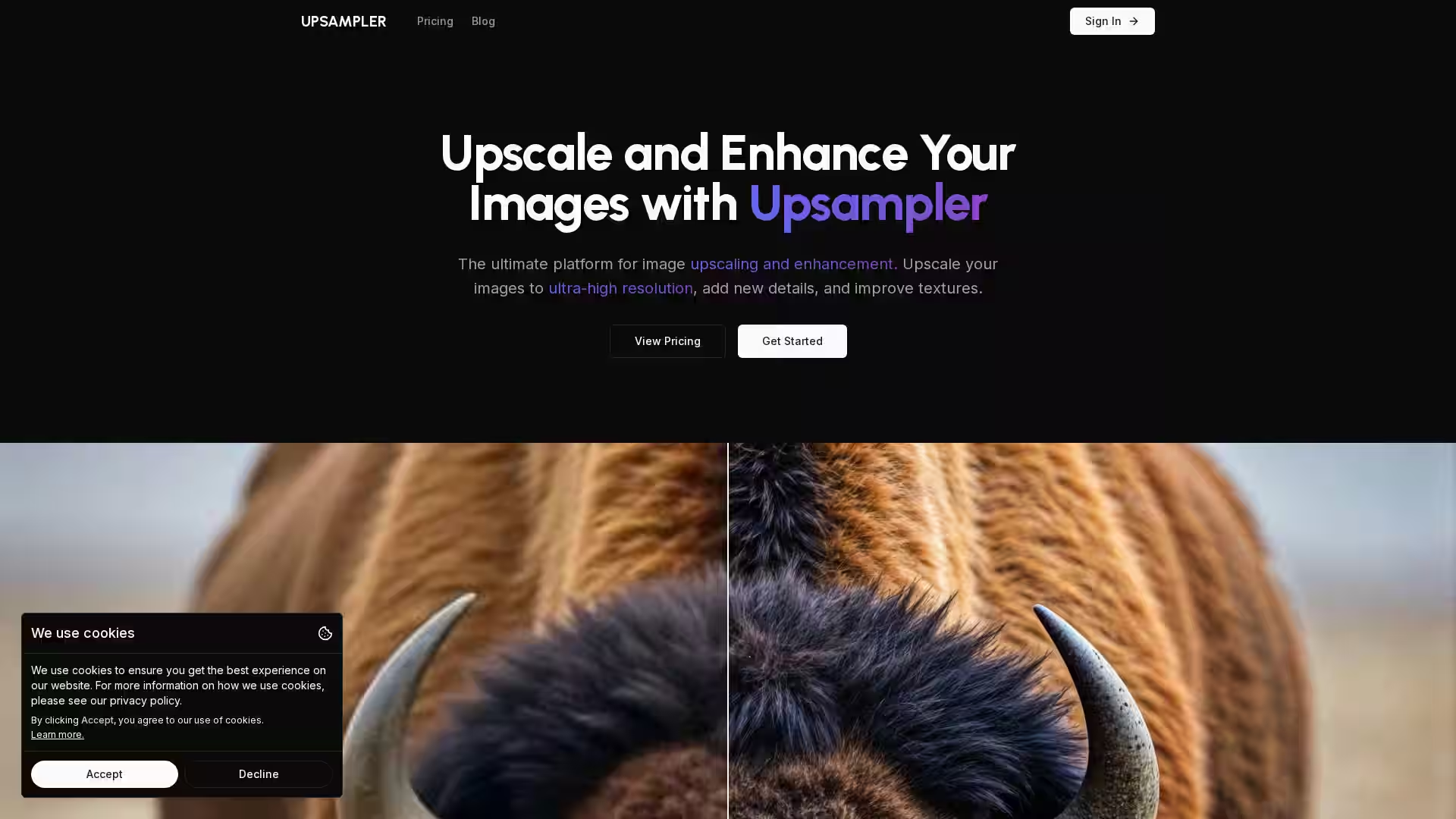
Upsampler is a cutting-edge, AI-powered image upscaling and enhancement platform designed to transform your images into ultra-high resolution works with added texture and details. It leverages advanced AI models such as Google’s Imagen, OpenAI’s GPT-4o, and others to intelligently regenerate images, improving clarity, sharpness, and realism without losing the integrity of the original content. Accessible entirely online, Upsampler requires no software installation and works seamlessly across operating systems and hardware, making high-quality image enhancement simple and accessible to all users.
Key Features
Smart Upscale: Intelligently regenerates images to a higher resolution, ideal for real photos and AI-generated images, improving complex details like text, faces, and intricate patterns.
Dynamic Upscale: Increases resolution while adding new details, best suited for AI-generated images requiring enhancement without losing composition.
Precise Upscale: Focuses on preserving original content with sharpness and noise reduction, perfect for non-AI content like photos, manga, anime, and images containing text.
Portrait Enhancement: Specialized upscaling for realistic human portraits, preserving skin texture and facial details realistically.
Use Case Specific Upscaling: Tailored upscaling options for various content including architectural imagery, anime, digital illustrations, game assets, and images with text.
Restoration Tools: Automatically remove scratches, dust, fading from old or damaged photos and add colorization for photo rejuvenation.
Generative Fill: Advanced editing capabilities to fix imperfections, add or remove content with precision even after upscaling.
Video Generation: Create high-quality videos from ideas using state-of-the-art AI video models integrated into the platform.
Cloud-Based Convenience: 100% online service requiring no downloads, works on any device, operating system or hardware.
Photography: Enhance resolution and detail of real photos, restore old or damaged images, and improve portraits with faithful upscaling and noise reduction.
Digital Art & Anime: Sharpen and add vibrancy to anime scenes, digital illustrations, and intricate artwork while retaining their original styles.
Game Development: Upscale textures and assets with added detail and clarity suitable for use in high-resolution games.
Architecture & Design: Elevate architectural renders, interior and exterior designs with realistic detail enhancement.
Content with Text: Improve sharpness and legibility of images containing text, symbols, or complex typography.
Creative Editing: Use generative fill to modify images directly—remove unwanted elements or add new content before or after upscaling.
Video Creation: Utilize powerful AI video models for producing professional-grade videos from concept to final render.
FAQ
Q: What is Upsampler and how does it enhance images?
A: Upsampler uses AI models to upscale image resolution, add new fine details, and improve texture and clarity far beyond traditional upscaling methods.
Q: How do the different upscale modes differ?
A: Smart Upscale is best for realism and complex details, Dynamic Upscale adds new details and vibrancy with slight creativity, and Precise Upscale preserves original content perfectly.
Q: Can I upscale images that contain text?
A: Yes. Precise Upscale is ideal for maintaining text clarity, while Dynamic and Smart Upscale can be used for less critical text tasks.
Q: Is Upsampler suitable for beginners?
A: Absolutely. The intuitive online platform is designed for users of all skill levels, with easy-to-use tools and preset modes.
Q: Can I restore old or damaged photos?
A: Yes. Upsampler can automatically remove imperfections such as scratches and fading and even colorize black-and-white photos.
Q: Do I need to download any software?
A: No. Upsampler is entirely web-based and works on any device without installation.
Q: What image formats does Upsampler support?
A: Upsampler supports popular image formats commonly used in photography and digital art.
Q: Can I edit images after upscaling?
A: Yes, the generative fill feature allows precise editing, including fixing imperfections or altering image content before or after enhancement.
Q: Is there an API available?
A: Upsampler offers a public API for automated and programmatic image upscaling.
Q: What is the refund policy?
A: Detailed refund policy is available on the Upsampler website to ensure user satisfaction.
Experience the future of image enhancement with Upsampler, and bring your visual content to life with intelligent AI upscaling and creative tools.