Newsletter
Join the Community
Subscribe to our newsletter for the latest news and updates


Visual search tool that lets you identify objects, translate text, shop, and get homework help using your camera or images.
Google Lens is an advanced visual search technology developed by Google that allows users to search what they see through their camera or images. Instead of typing keywords, users can simply point their phone's camera or upload a photo to identify objects, translate text, find similar products, discover plants and animals, and receive instant explanations for homework problems. Integrated with platforms like Google Photos, Google App, Chrome, and various Android devices, Google Lens makes it easier to interact with the world visually.
Q: What devices support Google Lens?
A: Google Lens is available on Android devices via the Google app, Google Camera, Google Photos, and Chrome, as well as some select Android Camera apps. It also integrates seamlessly with various Google services.
Q: Is Google Lens free to use?
A: Yes, Google Lens is a free feature available to all Google users.
Q: How accurate is the text translation?
A: Google Lens offers real-time translation in over 100 languages with high accuracy, using Google’s state-of-the-art translation technology.
Q: Can Google Lens help with homework across all subjects?
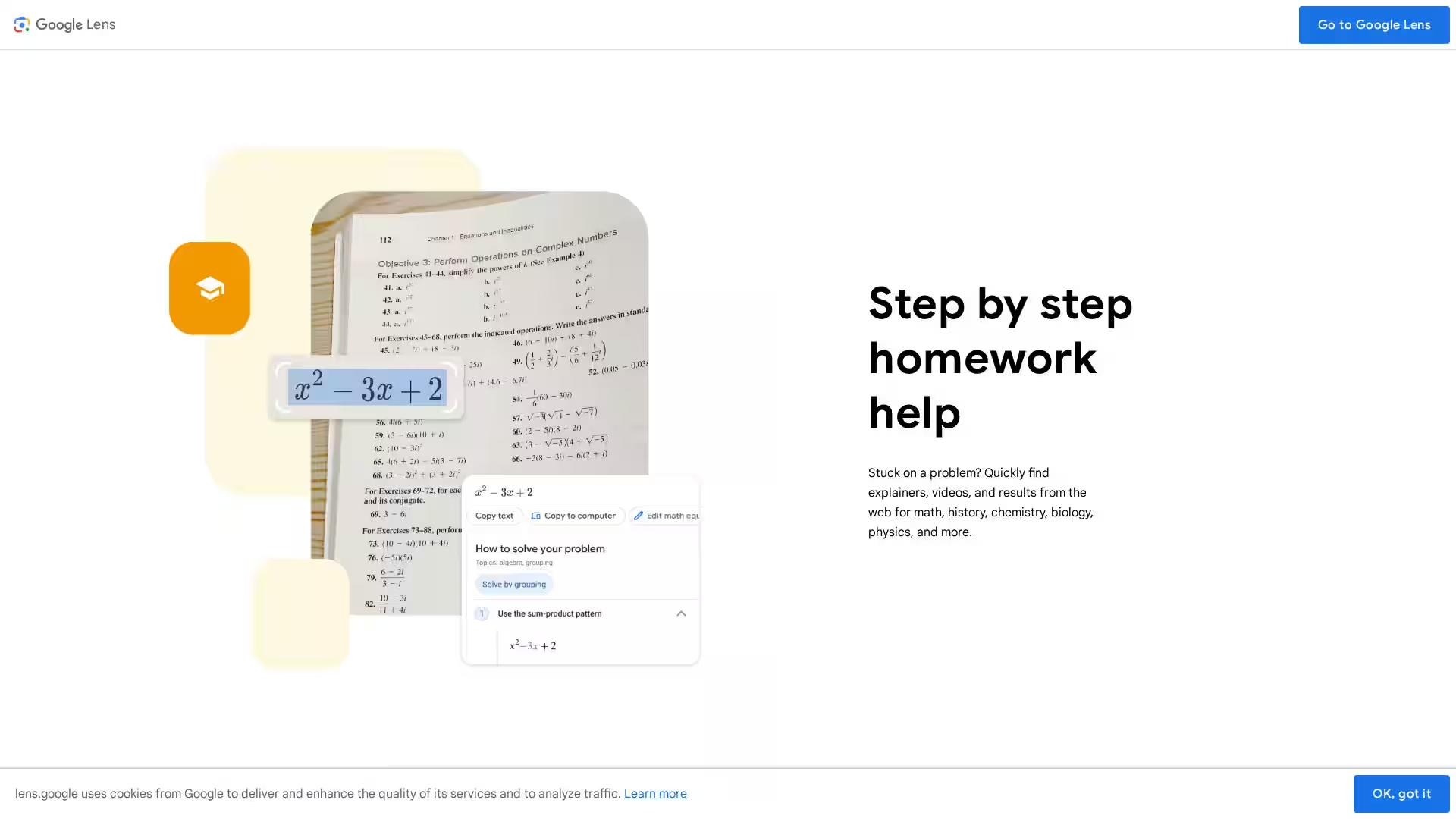
A: Google Lens provides help mainly for subjects like math, history, chemistry, biology, and physics by sourcing explainers, videos, and solutions.
Q: Do I need internet to use Google Lens?
A: Some features require an internet connection to access Google’s online resources, but basic text recognition may work offline depending on your device.
Q: Is my data safe when using Google Lens?
A: Google Lens adheres to Google’s privacy policies to protect your data and only processes images and information as per your permissions.
Q: How do I get Google Lens?
A: Google Lens is built into the Google app, Google Photos, and Chrome. You can also download the Google app from your device’s app store and access Lens through the search bar or camera interface.