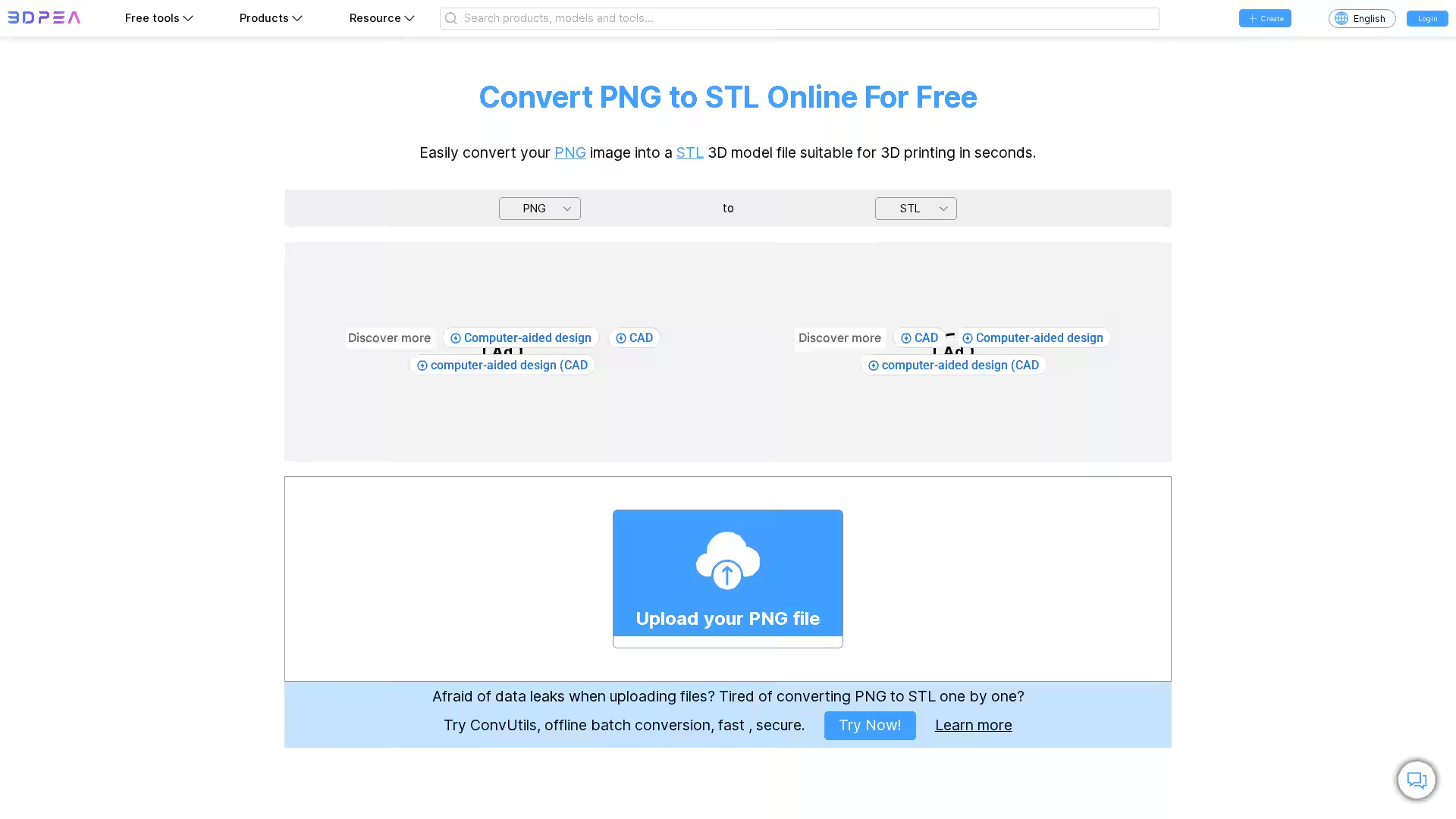
The PNG to STL Converter – 3DPEA is a free, browser-based tool that allows users to transform standard PNG image files into fully functional STL (Stereolithography) 3D model files compatible with most 3D printers and CAD software. This process is streamlined and requires no special software installation — simply upload your PNG file, configure your conversion settings, and download the STL model. Whether you are a designer, hobbyist, or engineer, this platform brings image-to-3D conversion directly to your fingertips.
This tool supports a wide range of customization options, enabling you to control extrusions, dimensions, resolution, and more. It can be used across operating systems, including Windows, macOS, Linux, Android, and iOS, making it accessible on virtually any modern device.
Key Features
Direct PNG to STL Conversion: Transform PNG images into STL files quickly (average conversion time ~5 seconds).
Multiple Conversion Modes:
Stander: Generates smooth heightmap-style models based on the image’s brightness.
Stander Color: Similar to 'Stander', but retains the color details.
Extrude: Produces layered models by extruding distinct shapes.
Extrude Color: Extrudes shapes while preserving separate colors within the model.
Full Dimension Control: Adjust width, height, depth, and aspect ratio to fit your project specifications.
Resolution Adjustment: Use Width Segments and Height Segments for detailed or simplified results.
Border Options: Add a customizable border to frame or structurally support your model.
Thickness Control: Set how far your model extends from its base.
Color Merge Function: Automatically merge similar colors to avoid excessive model complexity.
Transparency Handling: Choose whether transparent areas become black or white in the STL output.
Invert Output: Reverse brightness values for inverted geometry output.
Smoothing Option: Reduce jagged surfaces to produce more polished models.
Z-axis Mirror: Create symmetrical designs by reflecting geometry along the Z-axis.
Cross-Platform Compatibility: Works on Windows, Mac, Linux, Android, and iOS.
Secure File Handling: Uploaded files are not stored; download links expire after browser refresh or closure.
Use Cases
3D Printing Artwork: Convert 2D artwork into tactile 3D-printed designs.
Logo & Branding Models: Create embossed or extruded company logos from PNG files.
Custom Signs & Nameplates: Turn 2D signage into 3D models ready for cutting or printing.
Educational Projects: Teach students about 3D modeling by using simple images as starting points.
Rapid Prototyping: Quickly test 3D shapes from digitized sketches or diagrams.
Game & Simulation Assets: Export drawn designs into 3D format for integration into engines.
Medical Imaging & Visualization: When combined with other tools like DICOM conversion, create textured 3D visualizations.
FAQ
Q: How do I use the PNG to STL Converter?
A: Click “Upload a File” and select your PNG. Adjust settings like dimensions, extrusion type, and smoothing. Click “Convert” and then “Download” to save your STL model.
Q: How long does a conversion take?
A: Most PNG to STL conversions finish within ~5 seconds. Complex files may require more time.
Q: Is my data safe?
A: Yes. Files are not stored server-side, and download links vanish once you close the page or refresh it.
Q: Can I use this on my phone or tablet?
A: Absolutely. This tool works on mobile browsers (Android, iOS) as well as on desktop platforms (Windows, macOS, Linux).
Q: Will the STL model be accurate?
A: The converter is designed for high accuracy, and improvements are released weekly to enhance conversion quality.
Q: Can I batch convert files?
A: For batch conversions without an internet connection, use ConvUtils, 3DPEA’s offline utility.
The PNG to STL Converter – 3DPEA is a versatile solution for anyone needing quick and customizable PNG-to-3D transformations. With advanced conversion settings, secure file handling, and compatibility across devices, it is an essential online resource for designers, makers, and educators seeking to translate flat imagery into 3D reality.