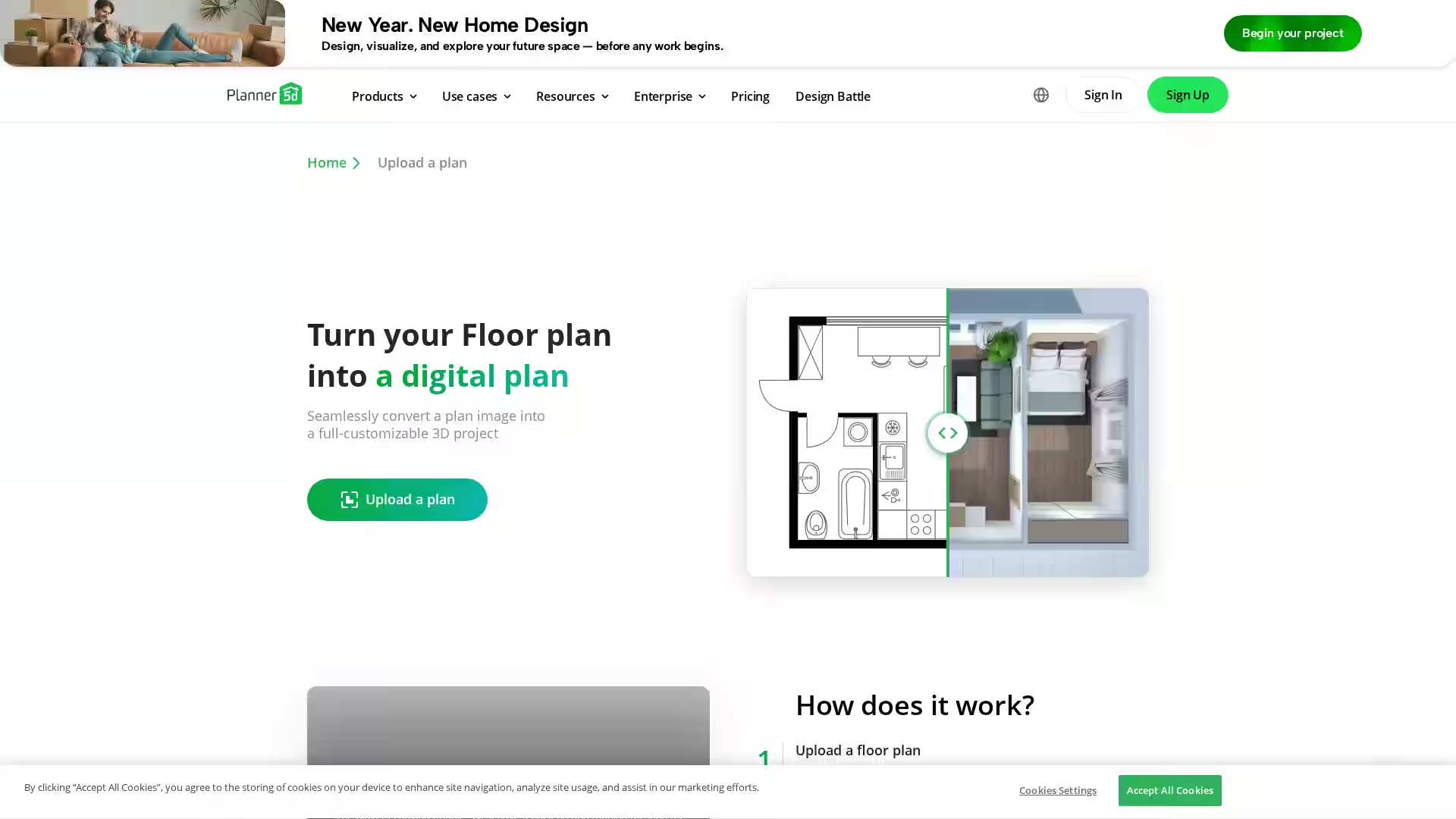
Planner 5D AI Floor Plan Converter is a cutting-edge interior design tool that utilizes artificial intelligence to transform traditional 2D floor plan images and blueprints into detailed, interactive 3D models. This innovative software enables architects, designers, and homeowners alike to visualize and modify their spaces effortlessly in virtual environments. By simply uploading floor plan images in multiple formats such as PNG, JPG, PDF, DWG, and DXF, users receive an automatically recognized and rendered 3D plan that can be further customized with furniture, textures, and layouts.
The platform supports various operating systems including Web, iOS, Android, Windows, macOS, and VisionOS, making it versatile and accessible for all users. This AI-driven conversion tool is ideal for streamlining the interior design process, improving communication with clients, and enhancing project accuracy before construction or remodeling begins.
Key Features
AI Plan Recognition: Automatically analyze and interpret floor plan images to create precise 3D layouts, saving hours of manual drafting.
Multi-format Support: Upload a wide variety of architectural image formats (.png, .jpg, .pdf, .bmp, .dwg, .dxf, and more) for seamless conversion.
Customizable 3D Models: Modify the generated 3D models by adjusting room dimensions, adding furniture, changing textures, and experimenting with designs.
Interactive Virtual Walkthroughs: Experience a 360-degree walkthrough of your home or project to assess designs in realistic scale and perspective.
Cross-Platform Availability: Accessible on multiple devices including mobile (iOS/Android) and desktops (Windows/macOS), ensuring flexibility.
Automatic Room Generation: AI assists in breaking down complex blueprints into individual rooms and spaces for detailed customization.
Integration with Other Planner 5D Tools: Use in combination with tools like Mood Boards, Furniture Shop, and Home Repair Estimator for a comprehensive design workflow.
Homeowners & Renovators: Easily visualize remodeling projects by turning old or hand-drawn floor plans into editable 3D models.
Interior Designers & Architects: Rapidly prototype interior layouts and present clients with immersive 3D walkthroughs to facilitate decision-making.
Real Estate Professionals: Enhance property listings by showcasing fully rendered 3D floor plans for better market appeal.
Educational Use: Design schools and students can utilize Planner 5D to learn architectural concepts and digital modeling.
Contractors & Builders: Pre-plan construction logistics and interior setups through detailed, interactive designs to reduce errors and improve efficiency.
FAQ
Q: What types of floor plan files can I upload?
A: You can upload .png, .jpg, .pdf, .bmp, .pbm, .pgm, .ppm, .pnm, .sun, .cmu, .tiff, .dxf, .dwg, and .dib files. Ensure the images are architectural blueprints or similar designs for optimal conversion.
Q: How accurate is the AI recognition?
A: The AI is trained to accurately identify walls, rooms, and architectural features from blueprint-like images. High-quality images lead to faster and more precise results.
Q: Is there a trial or free version?
A: Planner 5D offers a free trial with limited features. Special promotions like 50% off on the first year are also available.
Q: Can I edit the 3D model after conversion?
A: Yes, once converted, you can fully customize rooms, furniture, textures, and layout in the Planner 5D environment.
Q: Which platforms support this tool?
A: The AI Floor Plan Converter works on Web, iOS, Android, Windows, macOS, and VisionOS.
Q: How long does the conversion take?
A: Processing time depends on image complexity and server load; you will receive an email notification once the plan is ready.
Q: Can I use this for commercial projects?
A: Yes, Planner 5D supports professional and enterprise-level use cases including interior design services and construction planning.
Planner 5D AI Floor Plan Converter revolutionizes how floor plans are transformed into beautiful, functional 3D models, making interior design more accessible and efficient across industries.