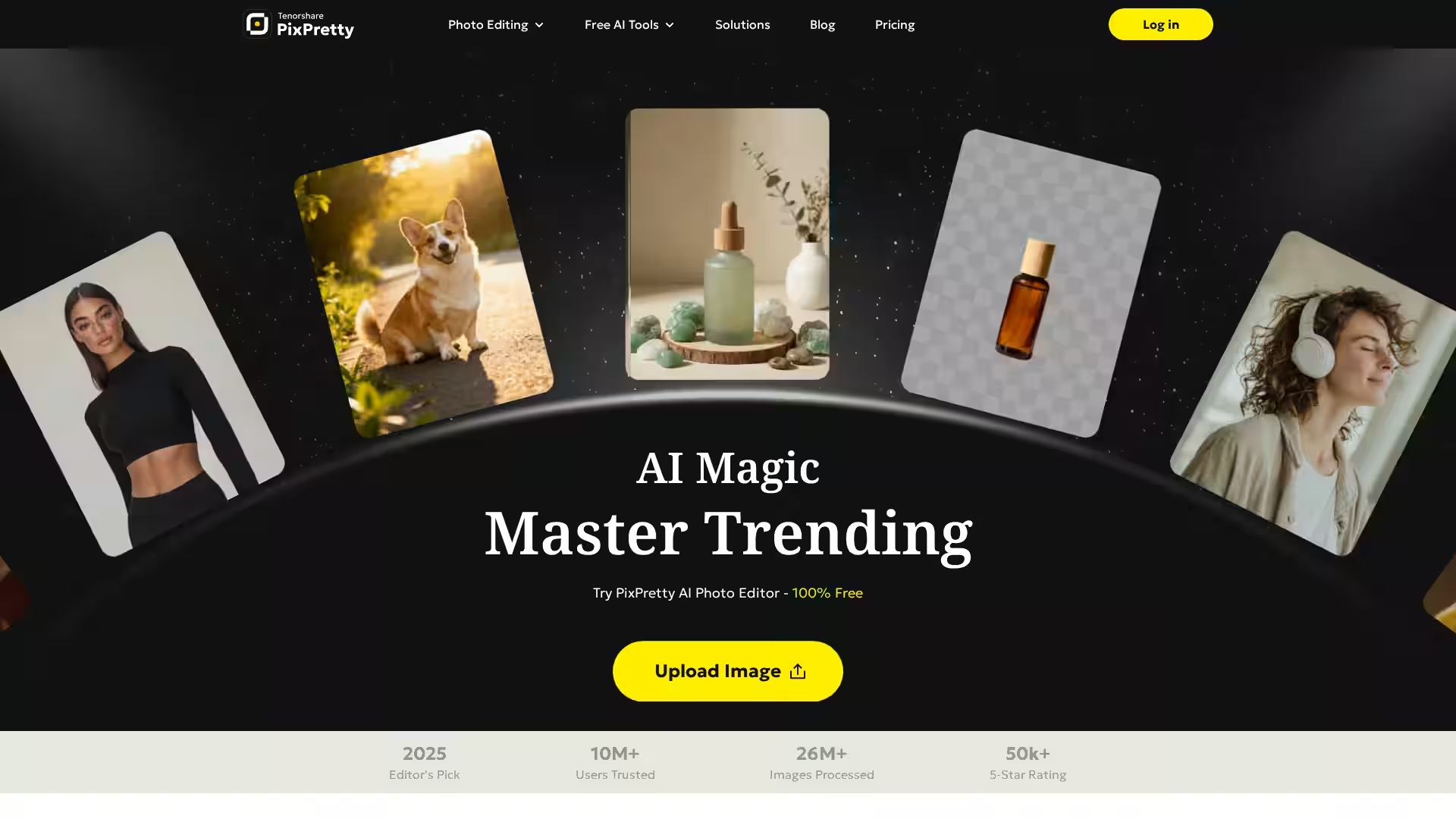
PixPretty AI Photo Editor by Tenorshare is a cutting-edge online AI-powered photo editing platform designed to simplify photo enhancement tasks. It offers powerful features such as instant background removal, batch image editing, AI portrait retouching, and more—all accessible through an intuitive web interface or PC application. Trusted by over 10 million users and with more than 26 million images processed, PixPretty leverages advanced AI to enable quick, professional-grade photo editing without the need for technical expertise.
Key Features
AI Background Remover: Remove complex backgrounds in just seconds with AI trained on millions of images. Supports bulk removal for up to 50 images simultaneously.
Batch Editing Tools: Automate resizing, background removal, format conversions (PNG, JPG, WebP), compression, and bulk renaming to streamline workflows.
AI Object Remover: Quickly erase unwanted people, watermarks, text, or objects to make images clean and flawless.
AI Clothes Changer: Instantly try new outfits using AI for fashion and creative exploration.
AI Image Extender: Extend image boundaries naturally to adjust aspect ratios, create wider product shots, or uncrop photos.
AI Action Figure Generator: Create 3D action figure-style characters from photos for unique social media content.
AI Portrait Retouching: Enhance portraits with flawless skin, lighting, and detail improvements for profiles and personal or professional use.
Image Format Conversion: Convert WebP to PNG, PNG to JPEG, and HEIC to JPEG with batch processing support.
Background Editing: Easily change background colors, add white backgrounds for product photos, or switch to preset or custom backgrounds.
Image Resizer & Compressor: Optimize images instantly for e-commerce platforms like Amazon, eBay, Shopify, balancing quality and file size.
AI Image Translator & Detector: Translate text in images and analyze objects or faces using AI for content recognition and global communication.
E-commerce Sellers: Automatically remove backgrounds and resize product images in bulk to create professional listings quickly and cost-effectively.
Social Media Creators: Enhance portraits, change outfits, or generate creative avatars to engage audiences with fresh, polished content.
Photographers & Designers: Save time with AI-assisted object removal, background replacement, and portrait retouching for flawless results.
Marketing & Localization Teams: Translate text embedded in images and adapt visuals for global markets without losing context or clarity.
Content Creators & Influencers: Easily create unique digital content like 3D action figures or extend images for better framing and storytelling.
FAQ
Is PixPretty free to use?
Yes, many core features such as background removal are 100% free and do not require registration. Batch editing and exporting high-resolution images are premium features.
Can I use PixPretty for commercial purposes?
Yes, PixPretty supports commercial use of edited images. Please review the Generative Artificial Intelligence Supplemental Terms in the Terms of Service for specific guidelines.
Is my privacy protected while using PixPretty?
Absolutely. PixPretty guarantees user privacy and image security following strict data protection standards.
What image formats does PixPretty support?
Supports popular formats including PNG, JPEG, WebP, and HEIC with batch format conversion options.
Can I edit multiple images at once?
Yes, PixPretty offers bulk editing tools including batch background removal, format conversion, compression, resizing, and renaming to optimize workflow efficiency.
Does PixPretty require downloads?
PixPretty provides a fully online editor but also offers a PC version mainly for advanced AI portrait retouching.
Experience hassle-free, professional photo editing with PixPretty—start for free today and unlock the power of AI in your image creations.