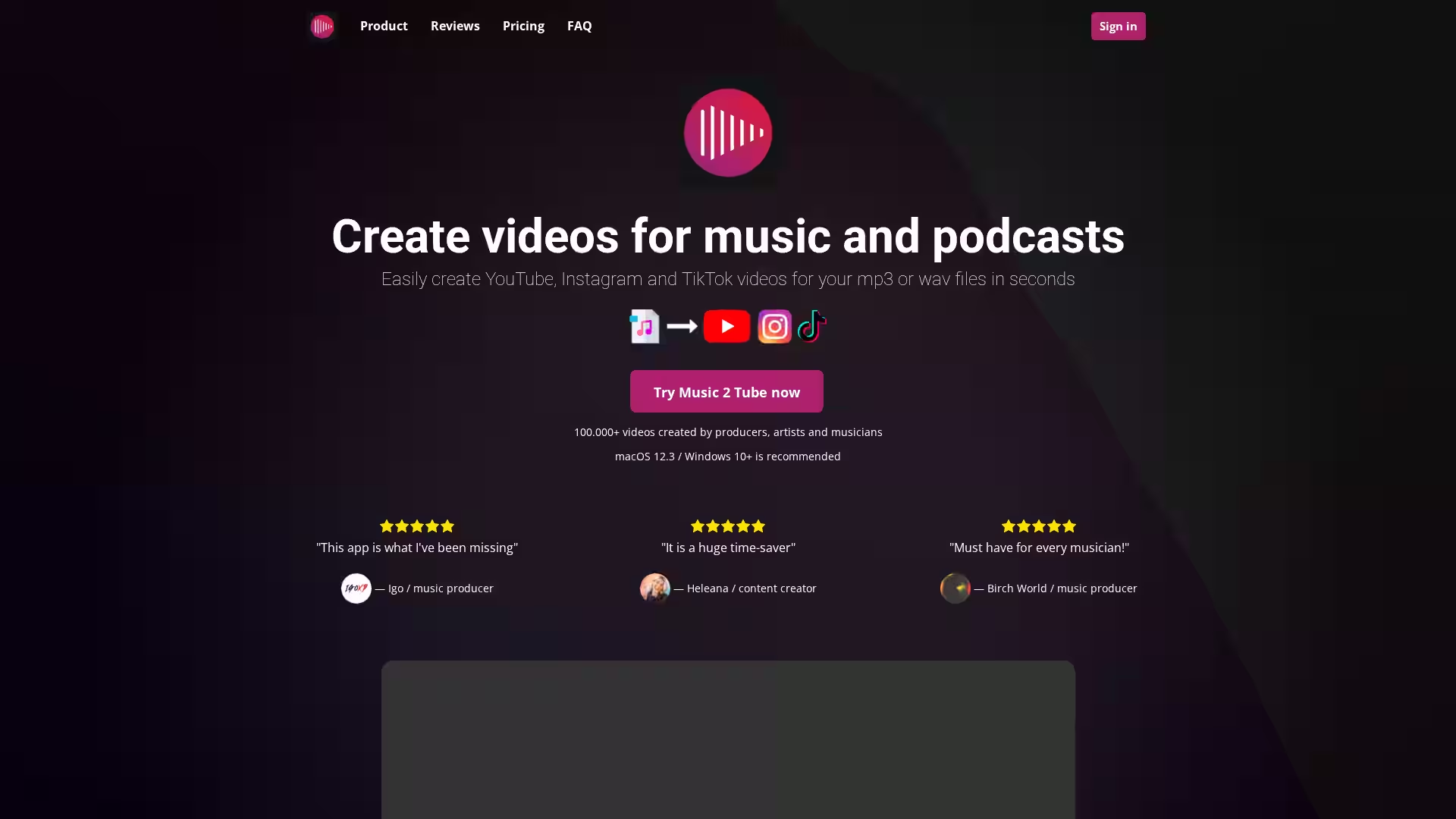
Music 2 Tube is a powerful and intuitive software solution designed for musicians, producers, podcasters, and content creators who want to transform their audio files into engaging video content. Whether you have an MP3 or WAV file, Music 2 Tube streamlines the process of creating visuals for platforms like YouTube, Instagram, TikTok, Reels, and Shorts. With support for both Windows (10+) and macOS (12.3+), the app enables fast uploading, bulk video processing, and custom branding to ensure your music or podcast reaches your audience in style.
Over 100,000 videos have already been created through the platform by artists, DJs, podcasters, and music producers worldwide. The software eliminates the need to manually render audio to video — saving creators hours of tedious work and freeing them up to focus on creativity.
Key Features
Bulk Video Creation: Generate multiple videos at once by simply dragging and dropping your files into the queue.
Unlimited Videos & Length: Create without restrictions. All plans include unlimited video creation with no time limit per video.
Direct Uploads to YouTube: Automatically upload your videos to connected YouTube accounts after rendering.
Scheduled Uploads: Plan and schedule your video releases directly from the app.
No Audio Re-Rendering: Preserve the original quality of your beat or music file without unnecessary reprocessing.
Multiple Video Formats: Output in formats optimized for YouTube, Instagram, TikTok, Reels, and Shorts.
GIF Integration: Add animated GIFs to make your beat videos more dynamic.
Customization & Branding: Change image covers, add watermarks, and apply effects such as VHS overlays, grain, and blurred backgrounds.
Overlays & Effects Library: Enhance visuals with multiple filters, effects, and stylistic enhancements.
Cloud File Support: Use audio and image files stored in Google Drive and other cloud services.
Multi-Channel Support: Connect up to 5 YouTube channels depending on your subscription.
Secure Authentication: Google authentication ensures no storage of your credentials.
Cross-Platform: Works on both Windows 10+ and macOS 12.3+, with upcoming plans for iOS and Android.
Affordable Pricing: Lifetime, yearly, and weekly plans available, all including every feature.
Money-back Guarantee: Refund available if technical issues cannot be solved within 5 business days.
Use Cases
Musicians and Producers: Create polished video content to upload beats, songs, or remix clips directly to social media without learning complex video editing software.
Podcasters: Turn audio episodes into visual format for publicity on YouTube or Instagram.
Beat Makers: Upload beat previews with engaging backgrounds, loops, and GIF animations.
Content Creators: Use the quick rendering and scheduling tools to meet strict posting schedules.
Marketing Teams: Integrate cloud assets, apply branding, and schedule video campaigns quickly.
Labels and Studios: Render bulk promotional videos for multiple artists at once.
Example Scenarios
Album Promotion: A music producer compiles multiple MP3 tracks from an upcoming album, adds unique cover art for each, applies branding overlays, and schedules them to release daily on YouTube and Instagram.
Beat Store Uploads: A beat creator transforms dozens of WAV beat files into quick visual previews formatted for Shorts, increasing discoverability on TikTok.
Podcast Highlights: A podcaster selects highlights from episodes, adds relevant GIFs or images as the visual component, and uploads them in reels format with consistent branding.
Social Engagement Burst: A label uses bulk processing to release short music loops across multiple channels in one day.
FAQ
Q: Which operating systems are supported?
A: Music 2 Tube runs on Windows 10+ and macOS 12.3+. Lower versions are not supported.
Q: Which file formats can I use?
A: Supported audio formats: MP3 and WAV. Supported image formats: JPG, JPEG, PNG, GIF.
Q: Can I stop my subscription at any time?
A: Yes, subscriptions can be canceled or paused at any time.
Q: Can I connect multiple YouTube channels?
A: Yes, depending on your subscription: up to 5 channels with a lifetime plan, and 1 channel with weekly or yearly plans.
Q: How many videos can I upload per day?
A: Upload limits depend on YouTube’s policy; verified accounts can usually upload more (about 30 per day) than unverified accounts (about 10 per day).
Q: Do you offer tutorials?
A: Yes, there’s a comprehensive tutorial library at music2tube.com/tutorials.
Q: Are future updates free?
A: Yes, all updates are included free of charge.
Q: What are the system requirements?
A: Minimum: Intel i3 or equivalent, 2GB GPU, 4GB RAM. Recommended: Intel i5 or equivalent, 4GB+ GPU, 8GB RAM.
Q: What happens if rendering is slow?
A: Factors like video length, complexity, and computer performance affect speed. Updating the app, closing other programs, or using faster hardware can help.
Q: What support channels are available?
A: Support is available via live chat, email, Discord, and social media, typically responding within 24 hours.
Music 2 Tube makes professional video creation for music and podcasts effortless, whether you’re an indie musician or part of a major label. With customization, bulk rendering, and direct uploads, it’s the fastest way to get your audio from your hard drive to your audience’s devices.