

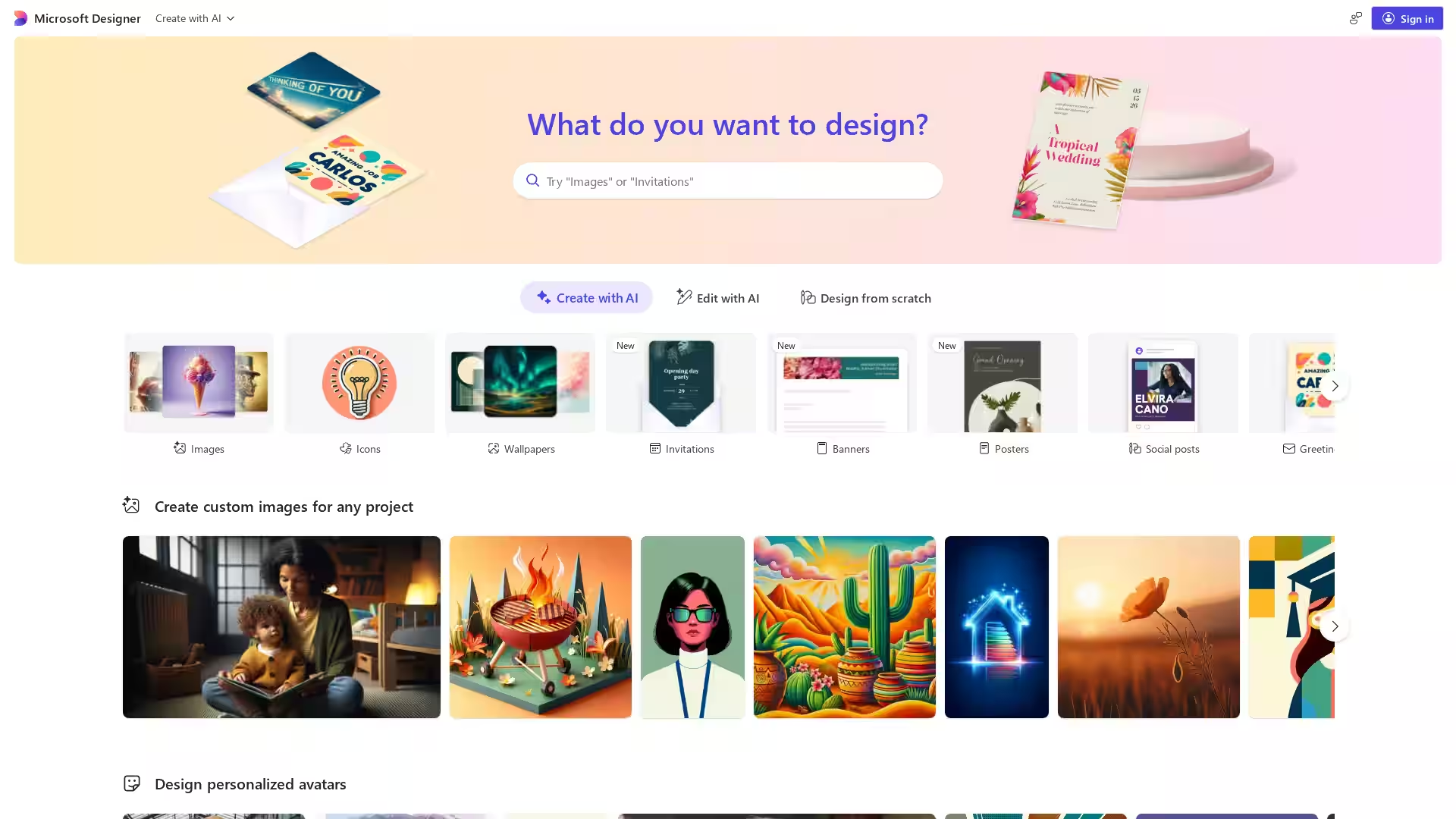
Overview
Microsoft Designer is a powerful, intuitive design tool that enables users to create visually compelling content with ease. Leveraging AI technology, it simplifies the design process by generating creative layouts, graphics, and templates tailored to your needs. Whether you're crafting social media posts, invitations, marketing materials, or presentations, Microsoft Designer helps you deliver polished results without requiring extensive design skills.
Key Features
- AI-Powered Design Assistance: Automatically generate design suggestions based on your content, ensuring visually appealing layouts.
- Wide Range of Templates: Access an extensive library of customizable templates covering social media, marketing, events, and more.
- Drag-and-Drop Interface: Create and edit designs effortlessly with a user-friendly interface suitable for beginners and professionals alike.
- Rich Media Integration: Incorporate images, icons, text, and shapes with ease; supports Microsoft’s asset libraries.
- Collaboration Tools: Share your designs and collaborate in real-time with teammates or clients.
- Cross-Platform Access: Use Microsoft Designer directly via web browsers without installation, integrated within the Microsoft 365 ecosystem.
Use Cases
- Social Media Content Creation: Quickly generate eye-catching posts and stories for platforms like Instagram, Facebook, and LinkedIn.
- Marketing Materials: Design flyers, brochures, and promotional graphics to elevate your brand presence.
- Event Invitations & Announcements: Create personalized invitations and announcements with stylish templates.
- Presentations & Reports: Enhance your presentations with custom graphics and visuals that resonate with your audience.
- Small Business & Freelance Projects: Save time and cost by producing professional-quality designs without hiring external designers.