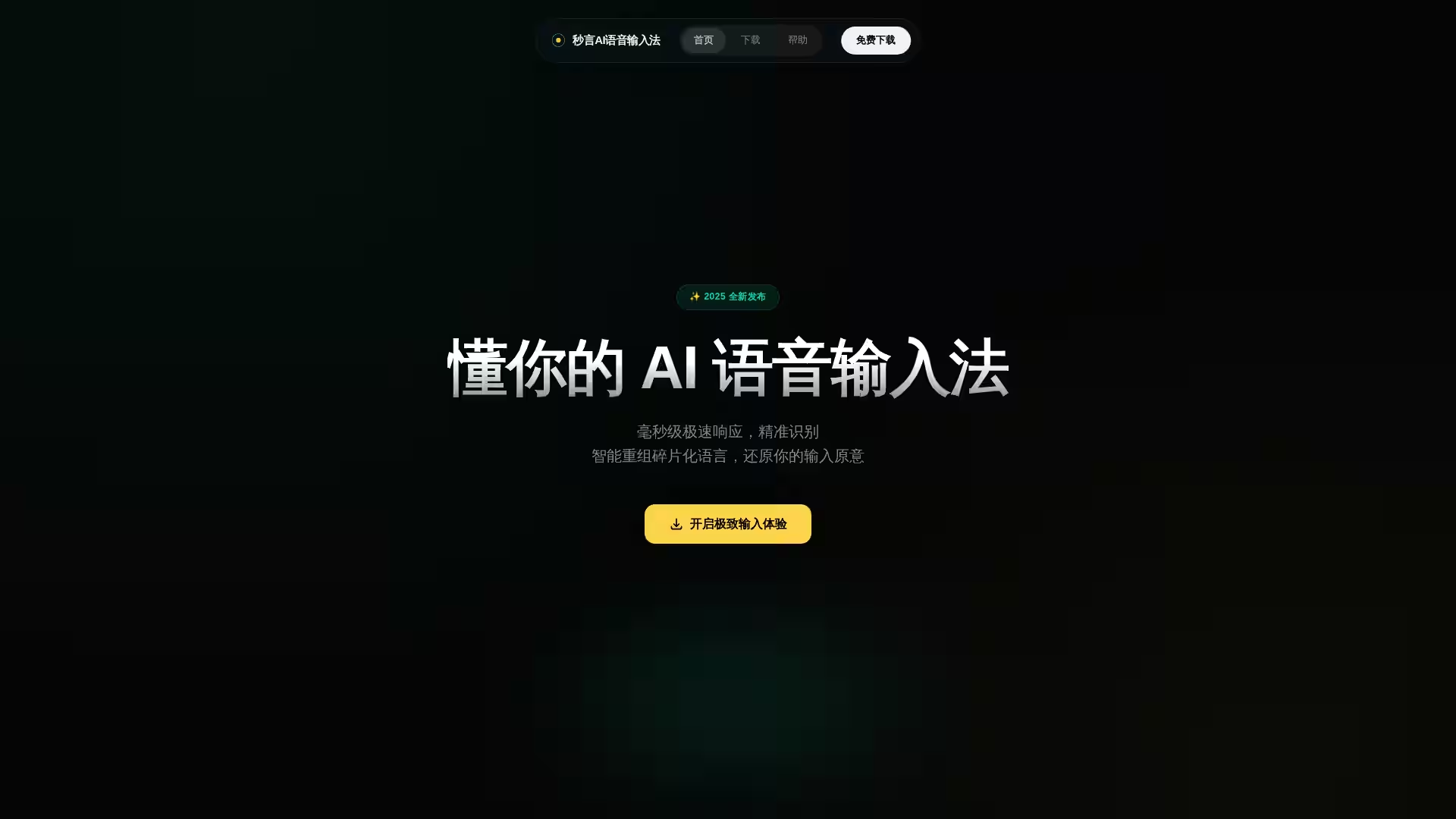
Miaoyan is an advanced AI voice input method designed to revolutionize the way you interact with digital text. Combining cutting-edge artificial intelligence with natural language processing, Miaoyan listens, understands, and intelligently restructures fragmented spoken language into precise, clear text. It supports seamless integration with any input field on macOS (10.15+) and Windows, enabling users to effortlessly transform spoken words into refined written content without losing the original intent.
With its millisecond-level response speed and 98% intent accuracy, Miaoyan eliminates the disruptions caused by unclear voice inputs, filler words, and disorganized speech. Beyond basic transcription, this tool acts as your AI assistant, offering instant text polishing, multi-language translation, hyperlink opening, and large model question answering—all accessible with a single keystroke.
Key Features
Ultra-Fast Response: Converts speech to text with only 0.2 seconds delay, ensuring real-time transcription.
High Accuracy: Captures 98% of user intent through advanced AI models.
Smart Language Processing: Automatically filters filler words like "um" and "ah," corrects grammatical errors, and restructures fragmented speech.
Intelligent Punctuation and Paragraphing: Produces clear, readable text with appropriate punctuation and formatting.
Universal Compatibility: Activates in any text input window, across macOS (10.15+) and Windows platforms.
One-Click AI Assistant:
Rephrasing: Make texts more polite or refined.
Web Commands: Instantly open specified websites.
Multi-Language Translation: Translate phrases into authentic Japanese and other languages.
Large Model Querying: Ask complex questions and get instant AI-generated answers.
Maintains Focus: Keeps your thinking uninterrupted with smooth and natural voice-to-text experience.
Professional Communication: Quickly draft and polish emails or reports without switching apps.
Content Creation: Bloggers, journalists, and writers can streamline their workflow by dictating and formatting content in one go.
Language Learning: Translate and practice foreign languages directly within your typing environment.
Customer Service & Support: Record concise and clear customer responses on the fly.
Accessibility: Helps users with physical disabilities or those who prefer speaking over typing.
FAQ
Q: What devices support Miaoyan?
A: Miaoyan supports macOS 10.15 or higher and Windows operating systems.
Q: How fast is the voice recognition?
A: Miaoyan processes voice input with millisecond-level response speed, specifically around 0.2 seconds.
Q: Can Miaoyan understand fragmented or colloquial speech?
A: Yes, it intelligently reorganizes fragmented spoken language and corrects disfluencies, delivering coherent text.
Q: Does Miaoyan support multiple languages?
A: Miaoyan offers multi-language translation capabilities, including natural Japanese translation.
Q: Is Miaoyan only a voice-to-text tool?
A: No, it also functions as an AI assistant with features like text rephrasing, web link opening, and AI question answering.
Q: How do I activate the AI assistant during typing?
A: Simply press a designated hotkey in any input box to bring up AI capabilities without switching windows.
Q: Is the software free to download?
A: Yes, Miaoyan is available for free download from the official website.
Q: How secure is my data?
A: Miaoyan operates under strict privacy policies and complies with relevant security regulations to protect user data.
Experience a new level of voice input efficiency and accuracy with Miaoyan—transform your spoken words into powerful, polished text instantly.