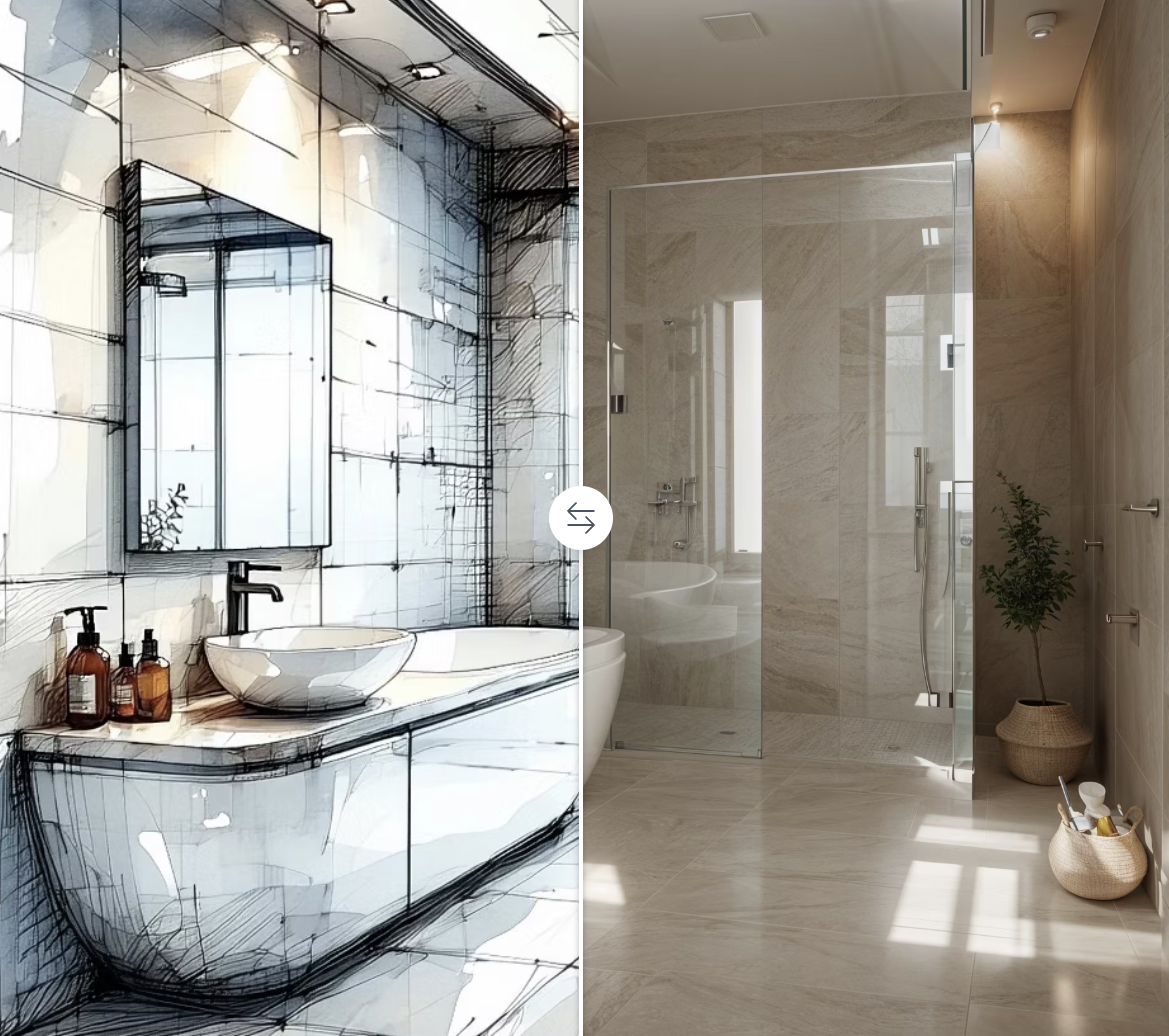
Luw.ai is a cutting-edge AI rendering platform designed to revolutionize the way architects, designers, homeowners, and enthusiasts create and visualize home designs. Leveraging the power of artificial intelligence, Luw.ai enables users to generate high-quality interior and exterior redesigns, 3D models, and photorealistic visualizations within seconds. With an intuitive, user-friendly interface and no need for specialized software skills, Luw.ai democratizes home renovation and architectural design, making the creative process faster, smarter, and more accessible.
Whether you are a professional designer, an architecture student, or simply a homeowner looking to remodel your space, Luw.ai offers a comprehensive suite of AI-driven tools that streamline your workflow and bring your vision to life effortlessly.
Key Features
Interior AI & Exterior AI: Transform photos of your rooms or building exteriors into beautifully redesigned spaces with AI-generated style variations, color optimization, and layout improvements.
3DGen AI: Instant 3D model generation from text descriptions or uploaded sketches, exportable to standard 3D file formats compatible with software like 3ds Max, Blender, SketchUp, and Revit.
Magic Wand AI: Precision editing tool that masks and modifies specific parts of your design images based on your textual prompts.
Magic Prompt AI: Easily transform or enhance any image by simply describing your desired changes in natural language.
Sketch AI: Upload hand-drawn sketches and convert them into fully rendered, professional-quality designs.
Video AI PRO: Create dynamic 3D flythrough animations that bring your architectural designs to life with realistic motion and detail.
Mood Board AI: Visualize design concepts through AI-rendered mood boards that integrate seamlessly into your space's visualization.
Resizer AI: Enhance photo quality by resizing images up to 8K resolution while reducing noise and improving details.
Remove Furniture AI: Automatically clear furniture or objects from interior photos to generate empty room visualizations for design planning.
Landscape AI: Generate photorealistic exterior landscape designs tailored to your city’s climate and lighting.
Expand AI: Extend cropped architectural photos by generating missing structural elements convincingly.
Vector AI: Create precise vector-based CAD-ready SVG files from photos of furniture or facades.
Floor Planner AI: Interactive floor plan creation available via the iOS app, perfect for planning and visualizing space layouts.
Supported across web, iOS, and macOS platforms, Luw.ai integrates smoothly into existing workflows and supports screenshots from all major 3D modeling software.
Use Cases
Professional Architects & Designers: Accelerate project visualization and client presentations with instant AI-powered renderings and 3D models.
Homeowners & Renovators: Preview home makeovers and exterior transformations easily, helping make informed renovation decisions.
Students & Educators: Explore architectural concepts and design variations without needing complicated modeling tools.
Marketing & Real Estate: Generate professional marketing images with AI-enhanced backgrounds and staging.
Furniture & Product Designers: Use Remove Furniture and Vector AI tools to prepare clean images and CAD files for presentations and manufacturing.
FAQ
Q: Can I use Luw.ai outputs for commercial projects?
A: Yes, commercial use is permitted with an active paid subscription. Free versions include watermarks and restrict commercial usage.
Q: What 3D software work with Luw.ai?
A: Any 3D software is compatible—simply upload screenshots from Autodesk 3ds Max, Revit, Blender, SketchUp, or others for AI rendering.
Q: Can I edit specific areas in my design?
A: Absolutely. The Magic Wand AI allows you to mask and modify particular image sections using natural language instructions.
Q: Does Luw.ai support hand-drawn sketches?
A: Yes, you can upload sketches which are then transformed by AI into fully rendered designs.
Q: What export resolutions does Luw.ai support?
A: You can export up to 8K resolution in Pro plans, with options to supersize images while maintaining quality.
Q: Is Luw.ai beginner-friendly?
A: Designed for everyone, Luw.ai’s interface requires no prior design experience or software skills.
Luw.ai empowers creatives at all levels with AI-powered design tools that speed up workflows, enhance creativity, and deliver photo-realistic results for interiors, exteriors, and architectural projects.