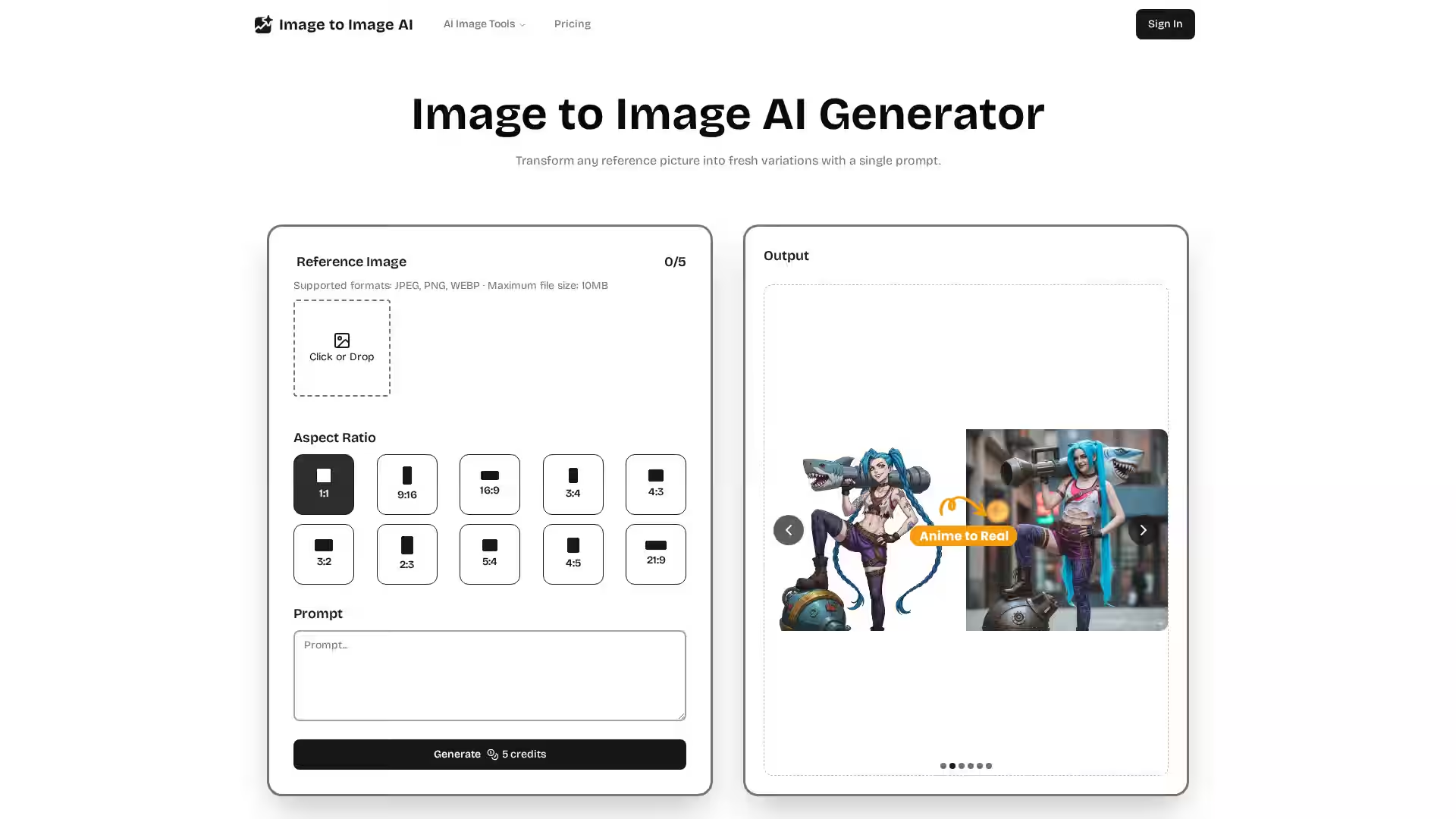
Image to Image AI is a cutting-edge, cloud-based image transformation tool designed to generate high-quality variations of any reference photo using AI. Unlike text-to-image models that create visuals from scratch, Image to Image AI preserves the core composition of your original image while applying custom styles, color shifts, or other edits based on your text prompt. This enables creators—from artists and marketers to hobbyists—to rapidly prototype and iterate on visuals without starting from a blank canvas. With no installation required and seamless operation across devices, it's a versatile solution catering to photographers, designers, marketers, game developers, and eCommerce professionals seeking quick, studio-grade image enhancements and customizations.
The platform supports popular image formats like JPEG, PNG, and WEBP with a maximum upload size of 10MB and allows users to adjust key parameters like aspect ratio, style strength, and output count. Featuring advanced AI models that intelligently analyze micro-details and preserve textures, Image to Image AI delivers sharp, gallery-ready results suitable for prints or digital campaigns. Real-time slider controls and presets let users fine-tune warmth, brightness, focus, and other visual elements interactively, ensuring full creative control while maintaining consistent image quality.
Key Features
Core Composition Preservation: Keeps important subjects and layout intact while applying style or content changes.
Style Variety: Over 20 output styles ranging from photorealistic to stylized concept art, with presets balancing exposure, tonality, and color.
Fine-Tune Controls: Intuitive sliders for warmth, brightness, focus, and more with real-time updates.
Immersive Detail: AI analyzes minute textures and light reflections, reconstructing images at high resolution without blur or banding.
Cloud-Based Processing: High-performance GPU clusters power the generation, accessible on desktop, tablet, or mobile with no local storage use or installation.
Multiple Aspect Ratios: Choose from common ratios including 1:1, 16:9, 9:16, 3:4, and others to fit diverse use cases.
Easy Export: Download images optimized for social media posts or gallery-grade prints with automatic color profile adjustment.
Use Cases
Marketing & Advertising: Quickly generate multiple campaign visuals, product backdrops, and style variations without expensive photo shoots.
Fashion & Virtual Try-On: Instantly preview apparel changes, fabric colors, and cuts from selfie images, enabling virtual try-ons and customer previews.
Ecommerce Product Images: Swap product backgrounds or lighting setups to maintain brand consistency and test multiple variants.
Concept Art & Game Design: Iterate on art assets rapidly with presets and fine controls, accelerating creative workflows.
Photography & Print: Preserve texture fidelity and sharpness for prints or high-res digital portfolios with photorealistic output.
Content Creation & Social Media: Generate fresh visuals for blogs, posts, and ads with fast turnaround and style customization.
FAQ
Q: What is Image to Image AI?
A: It’s an AI-powered image generation tool that takes an existing photo and creates stylized variations based on your text prompt, preserving the original composition for faster iterations.
Q: Why use Image to Image AI over traditional editing?
A: It saves time on manual retouching, speeds up creative workflows, and allows generation of multiple variants without complex design software or studio setups.
Q: How do I start?
A: Create an account, upload a well-lit reference image, write a descriptive prompt, generate your variations, and download the results—all within minutes.
Q: Can I control the style and look of the output?
A: Yes, use presets or fine-tune sliders to adjust colors, warmth, brightness, focus, and aspect ratios to fully customize the final image.
Q: Where does the processing happen?
A: All image generation is performed in the cloud on powerful GPU clusters, so you can use it from any device without installation or local storage.
Q: Are outputs suitable for professional use?
A: Absolutely. The AI maintains texture, detail, and color fidelity, producing gallery-ready, print-quality images.
Q: How secure is my data?
A: Images are processed in the cloud without local storage, ensuring your disk space remains free and workflows remain private.
Q: Can I generate multiple images at once?
A: Yes, you can adjust the number of output images in a single generation to explore creative options quickly.
Start transforming your images today with Image to Image AI and take your creative projects to the next level with ease and control.