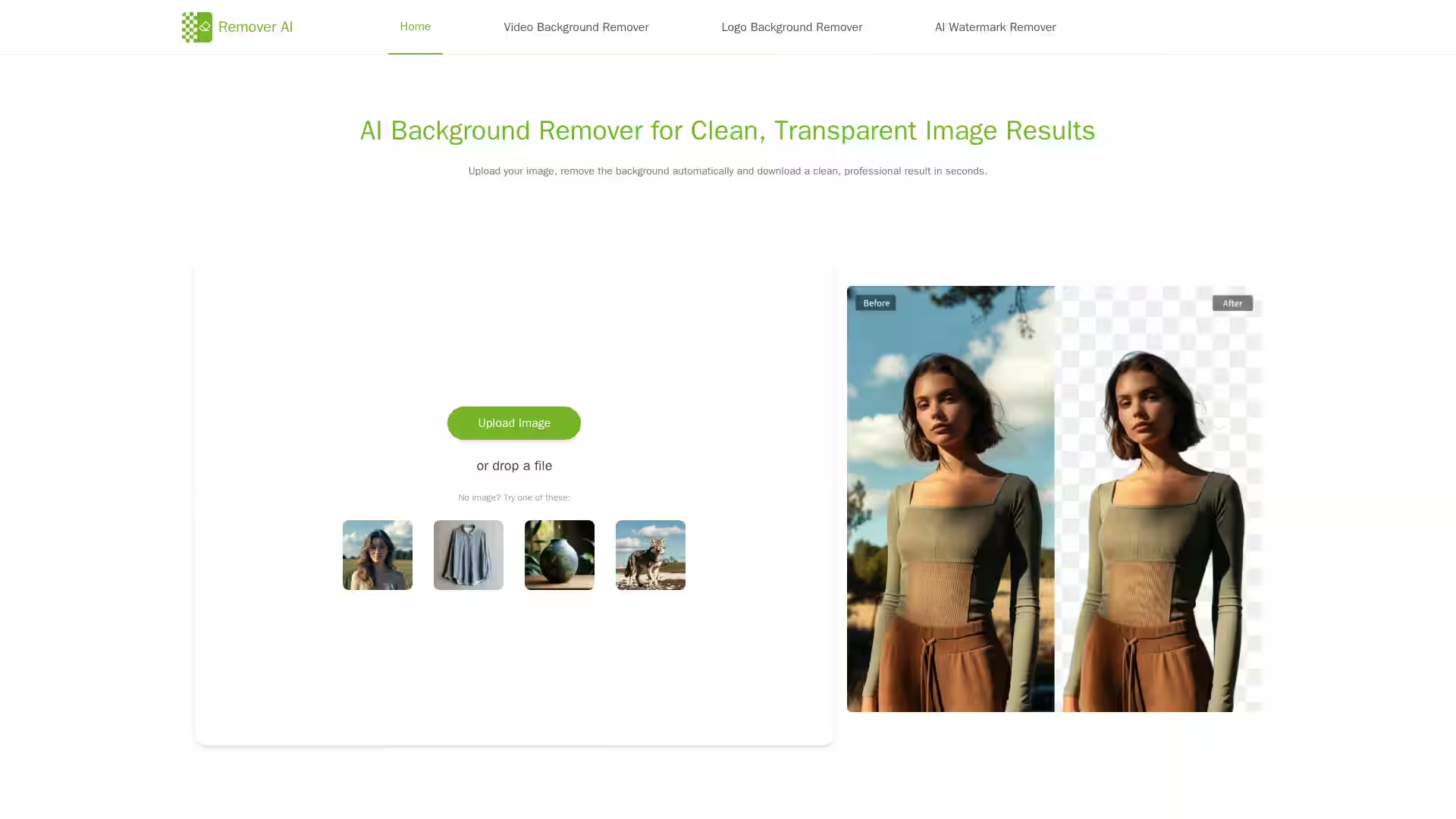
Remover AI is an advanced online AI background remover designed to automatically isolate and remove backgrounds from images with high precision. Powered by cutting-edge artificial intelligence, Remover AI caters to a variety of creative and commercial scenarios — from e-commerce product photos and professional portraits to graphic design projects. Accessible directly through your browser without any software downloads, Remover AI ensures a seamless, fast, and secure editing experience. With an easy three-step workflow — upload, automatic AI removal, and optional refinement — users can quickly get crisp images with transparent backgrounds ready for use in marketing materials, online stores, presentations, and more.
The platform excels at preserving fine details such as hair strands, facial contours, and intricate object edges, ensuring natural and clean cutouts. Whether you're a content creator, seller, designer, or social media specialist, Remover AI delivers professional-grade output to boost your visual content’s quality and consistency.
Key Features
AI-Powered Background Removal: Automatically detects the main subject in various image types—portraits, products, pets, logos, and complex visuals—and removes the background efficiently.
Online & Free: Runs directly in browsers on desktop and mobile devices, including iPhones and Android phones, with no need for downloads or installations.
Three-Step Easy Workflow: Upload your image, let AI process it, then preview and refine edges using the erase tool if needed.
High-Quality Transparent Images: Exports images with smooth edges and preserved details, perfectly suited for e-commerce listings, websites, presentations, and marketing.
Manual Refinement Tools: Fine-tune edges or remove unwanted areas after AI processing to ensure complete control over the final output.
Supports Multiple Image Formats: Works with common image formats and diverse content, including products, group photos, animals, logos, and more.
Fast & Secure Processing: Ensures quick background removal while maintaining user privacy and consistent results.
Commercial Use Friendly: Images created can be used commercially for product listings, branding, advertisements, and creative projects.
E-commerce Sellers: Create uniform, distraction-free product images that enhance trust and improve conversion rates across marketplaces.
Professional Portraits: Generate clean transparent backgrounds perfect for resumes, social profiles, and branding materials while preserving natural details.
Graphic Designers: Quickly extract objects and design elements from complex images to streamline presentations, thumbnails, and creative layouts.
Content Creators & Social Media Specialists: Effortlessly produce polished visuals for social content, advertising, and digital campaigns without technical expertise.
Pet & Animal Photography: Accurately isolate pets from busy backgrounds, creating charming, high-quality images suitable for portfolios and social sharing.
FAQ
Q1: How does Remover AI remove backgrounds from images?
A1: It uses advanced AI models to detect the main subject and separates it from the background through sophisticated edge detection and detail analysis, delivering clean and natural cutouts.
Q2: Can I use Remover AI on my iPhone or Android device?
A2: Yes, Remover AI works directly in mobile browsers without requiring any app downloads, allowing you to upload, edit, and download images on the go.
Q3: Is it necessary to edit images after background removal?
A3: While AI handles the bulk of the work, you can use the built-in erase tool to refine edges or remove unwanted elements for perfect results.
Q4: How many images can I process at once?
A4: Currently, Remover AI processes one image at a time to maintain optimal accuracy and consistent output quality.
Q5: Are images created with Remover AI suitable for commercial use?
A5: Yes, images can be freely used in commercial applications such as e-commerce, marketing, branding, and creative projects.
Q6: Do I need to install software or create an account?
A6: No installation or account is required. The tool is completely web-based and ready to use immediately.
Start transforming your images effortlessly with Remover AI — the free, fast, and reliable AI background remover trusted by creators worldwide.