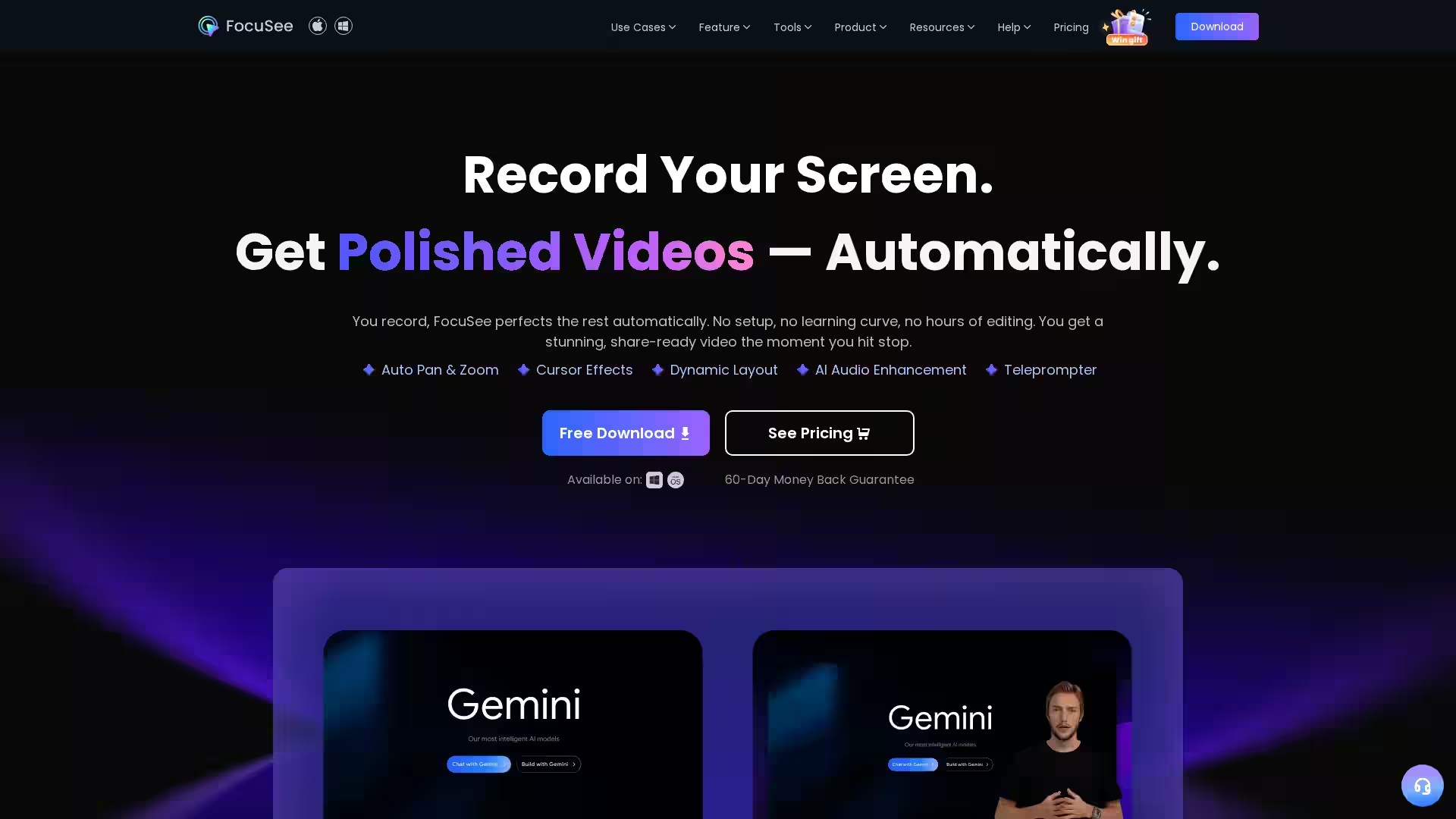
FocuSee is a cutting-edge auto-editing screen recorder designed for both Windows and Mac users, streamlining video creation with powerful AI features. By automating post-production tasks, FocuSee eliminates the need for extensive editing skills or setups, delivering polished, share-ready videos instantly after recording. Whether you're creating marketing videos, tutorials, product demos, or presentations, FocuSee’s intelligent software perfects your content with features like automatic zoom, cursor effects, AI-generated subtitles, audio cleaning, and virtual avatars.
Key Features
Automatic Zoom & Smart Spotlight: FocuSee intelligently zooms in on key screen areas every time you click, guiding viewers' attention and creating cinematic effects without manual input. The Smart Spotlight highlights crucial screen sections, adjusting intensity for immersive storytelling.
Intelligent Cursor & Customization: The cursor dynamically appears to direct focus and fades when not needed. Users can personalize cursor appearance, click animations, and sounds to match their branding or style.
AI Subtitle Generation: Supports speech recognition in over 50 languages with an accuracy rate of 98%+, enabling automatic subtitle creation to improve accessibility and speed up editing.
AI Virtual Avatar: Create a digital presenter to represent you on video without appearing on camera. Perfect for privacy concerns, camera shyness, or branded presentations.
Background Removal & Blur: No green screen is needed to replace or blur your background in post-production, delivering professional-grade video environments directly.
AI Audio Enhancement: Automatically remove unwanted noises, mouth clicks, breathing sounds, and background hums to make your voice clear and studio-quality.
AI Smart Cut: Automatically detects and removes filler words and awkward pauses with a single click, saving hours otherwise spent on manual editing.
Built-in Teleprompter: An on-screen script guide helps maintain smooth speech, reducing retakes and ensuring confident, natural delivery.
Simultaneous Mic & System Audio Recording: Capture both microphone and system audio simultaneously, essential for tutorials, reactions, and presentations.
Mobile Device Screen Recording: Record iOS and Android device screens directly on your computer via USB with professional device frames to enhance your content.
Privacy & Efficiency Tools: Quick blur masking to hide sensitive details without leaving the editor, and batch processing to accelerate production workflows.
Use Cases
Video Marketing: Create highly engaging promo videos that keep viewer attention with auto-zoom and spotlight features.
Tutorials & Demos: Produce clean, professional educational videos with AI subtitles, smart cuts, and audio enhancements.
Reaction Videos: Easily record your webcam and screen, using virtual avatars if preferred, while maintaining clarity and presentation quality.
Presentations & Pitches: Impress audiences with cinematic focus and flawless audio, supported by teleprompter-guided delivery.
Online Content Creation: Whether a YouTuber, streamer, or educator, FocuSee simplifies production and post-processing, letting you focus on content.
FAQ
Q: Is FocuSee compatible with both Windows and Mac?
A: Yes, FocuSee supports both Windows and Mac platforms.
Q: Do I need prior video editing experience to use FocuSee?
A: No, FocuSee automates the editing process, requiring no setup or prior skills.
Q: How accurate are the AI-generated subtitles?
A: Subtitles are generated with over 98% accuracy in over 50 languages.
Q: Can I use FocuSee if I prefer not to appear on camera?
A: Absolutely, use the AI Virtual Avatar feature to create a digital persona for your videos.
Q: Is a green screen required for background removal?
A: No, FocuSee removes or blurs backgrounds without the need for a green screen.
Q: Does FocuSee support mobile device recording?
A: Yes, users can record iOS and Android screens via USB connection on their computer.
Q: What audio improvements does FocuSee offer?
A: AI Audio Enhancement removes noises, mouth clicks, breathing sounds, and background hums for high-quality sound.
Q: Is there a free version or trial?
A: Yes, a free download is available, and the product offers a 60-day money-back guarantee.
FocuSee redefines screen recording by integrating AI-powered editing tools into a seamless experience designed to save time and produce professional results.