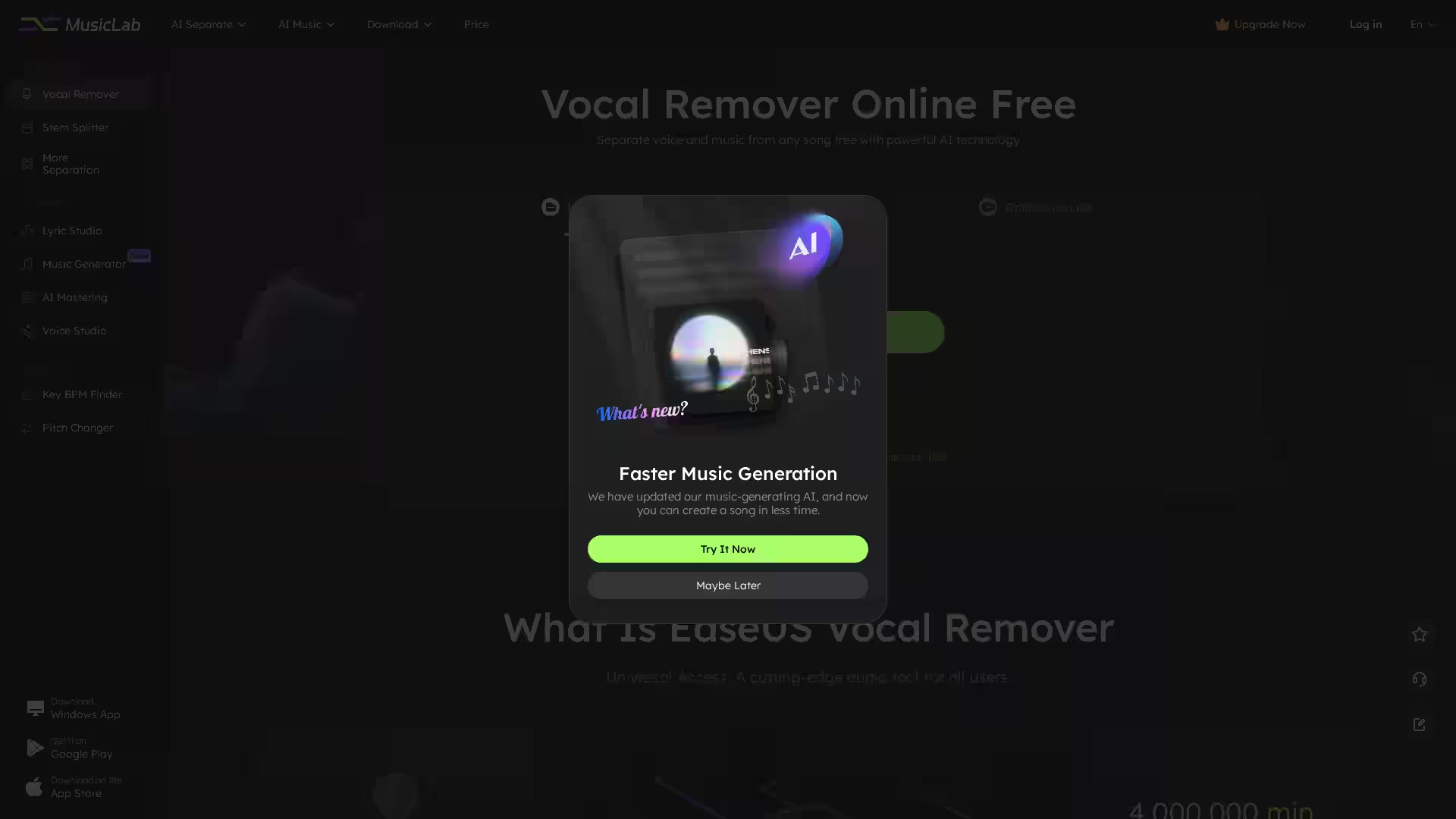
EaseUS Vocal Remover is a cutting-edge AI-powered audio processing tool designed to seamlessly strip vocals from any song, create clean instrumentals, or isolate specific audio stems for professional or personal use. Whether you want to make karaoke tracks, experiment with remixes, or enhance your music production workflow, EaseUS Vocal Remover delivers precision, ease-of-use, and cloud-based accessibility without requiring high-spec hardware.
It supports various media formats, including MP3, WAV, M4A, FLAC, MP4, and MOV, making it incredibly flexible. Users can process files directly from their devices or extract audio from online sources such as YouTube or SoundCloud. The entire process is powered by advanced AI audio separation algorithms, delivering high-quality results with minimal audio leakage in just seconds.
With a user-friendly interface and a wide range of features, EaseUS Vocal Remover caters to hobbyists, singers, DJs, and professional producers alike.
Key Features
1. AI-Powered Vocal Removal
Strip vocals from music tracks while maintaining high audio quality. The AI algorithm detects human voices automatically and separates them from background music with up to 80% improved separation accuracy.
2. Instrumental Remover
Remove the instrumental tracks from a song, leaving only the isolated vocals. Ideal for creating acapella versions for remixing or vocal-focused projects.
Extract vocals from music cleanly for covers, voice analysis, or creative production.
4. Stem Splitter
Separate specific elements from a song, such as drums, bass, guitar, and piano. Perfect for advanced music editing and multi-track production.
5. Lead & Back Splitter
Differentiate lead vocals from background harmonies, giving you greater control in post-production and remixing.
6. Echo & Reverb Remover
Remove unwanted echo and reverb from audio files to produce clearer, more professional sound.
7. Noise Reducer
Minimize background noise for cleaner voice recordings and music tracks.
8. Online Linking & Extraction
Import tracks directly from online platforms such as YouTube or SoundCloud by pasting the URL.
9. AI Music Creation Tools
Includes an AI Lyric Studio, AI Music Generator for creating new songs, and AI Mastering to polish your tracks.
10. Wide File Format Support
Supports MP3, WAV, M4A, FLAC, MP4, MOV, and more.
11. Cloud-Based Processing
No need for powerful hardware – all work is processed in the cloud for fast and efficient results.
12. Cross-Platform Compatibility
Works seamlessly on Web, Android, and iOS.
Use Cases
For Karaoke Enthusiasts:
Create instrumental versions of any song to sing along without vocal interference.
For Remixers & Producers:
Isolate vocals or instruments for creative mashups, remixes, or original productions.
For Singers & Bands:
Extract clean backing tracks for live performance or rehearsal.
For Voice Coaches & Researchers:
Study isolated vocals to analyze singing techniques or musical patterns.
For Content Creators:
Remove background noise, echo, and reverb to improve audio for podcasts, video blogs, or commercials.
For DJs:
Break down tracks into separate stems to mix and match live in sets.
FAQ
Q: How accurate is the vocal removal?
A: EaseUS Vocal Remover uses AI audio separation algorithms with up to 80% improved accuracy compared to traditional methods, preserving sound quality while minimizing artifacts.
Q: What formats are supported?
A: Supports MP3, WAV, M4A, FLAC, MP4, MOV, and many more.
Q: Can I process large files?
A: Yes. The free plan supports files up to 6 minutes, while the Pro plan allows processing of up to 60 minutes per file.
Q: Does it work with online music links?
A: Yes. You can paste links from YouTube or SoundCloud, and the tool will extract and process audio.
Q: Is there a mobile app?
A: Absolutely. EaseUS Vocal Remover is available on Android (Google Play) and iOS (App Store), in addition to web access.
Q: Is it cloud-based?
A: Yes. No high-spec hardware is needed since all processing is done on the cloud.
Q: Can it remove noise and reverb?
A: Yes. Dedicated tools remove unwanted background noise, echo, and reverb for clean, professional results.
Q: Is AI-generated music legal?
A: AI-generated music is generally legal if it uses original compositions or copyright-free materials. Ensure you have the rights for any copyrighted content you process.
EaseUS Vocal Remover provides an all-in-one, accessible solution for music customization, creation, and enhancement — all guided by cutting-edge AI technology. Whether you are transforming your favorite song into a karaoke track, prepping stems for production, or cleaning up audio for professional content, this tool offers unmatched convenience and quality.