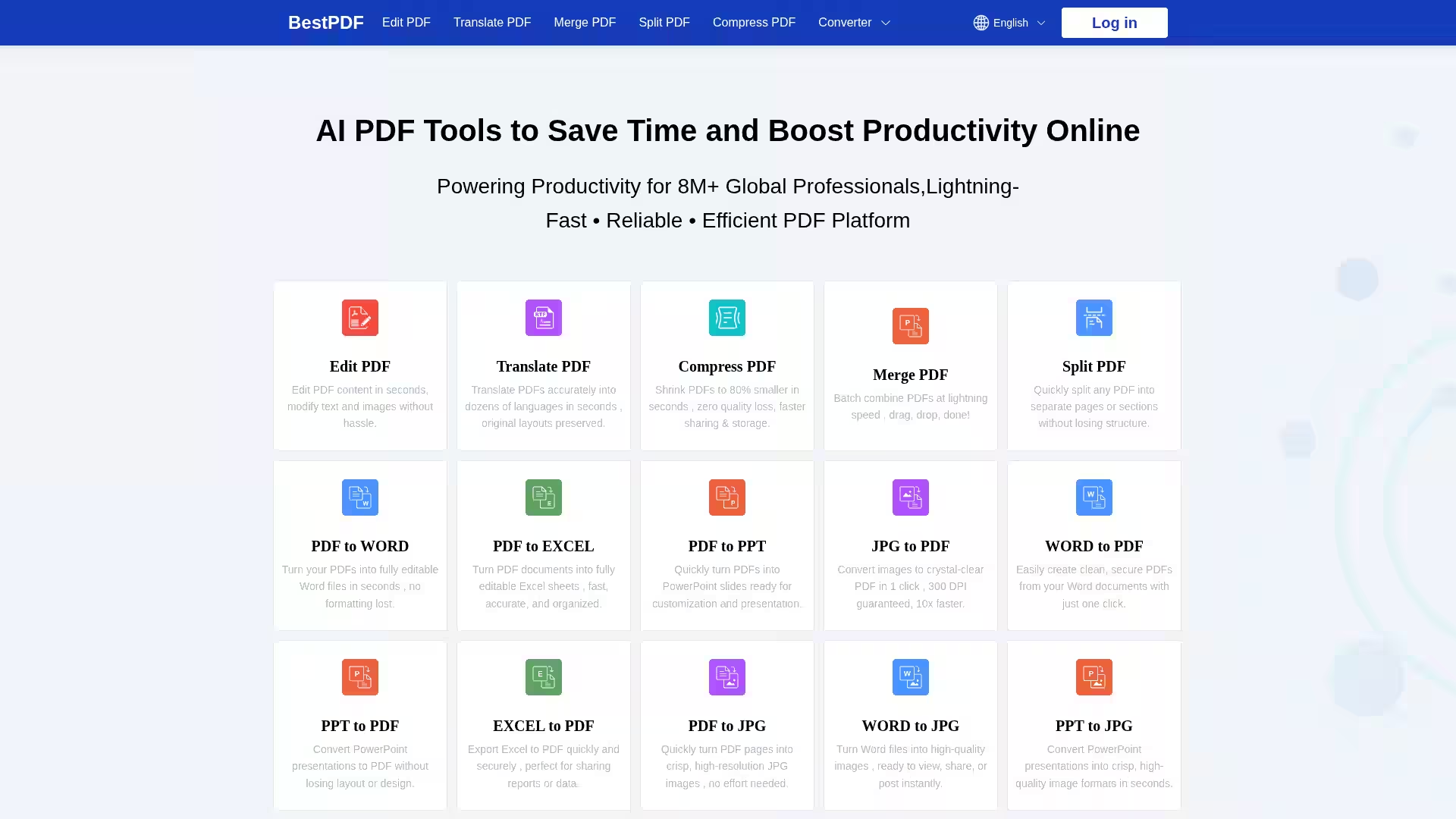
BestPDF is a comprehensive online PDF platform trusted by over 10 million users worldwide, designed to simplify and accelerate your PDF workflows. Whether you need to edit, convert, merge, split, compress, or translate PDF files, BestPDF delivers lightning-fast performance combined with an intuitive, mobile-friendly interface — all without the need to download software. Supporting a wide range of file formats such as PDF, Word, Excel, PowerPoint, and images, BestPDF ensures seamless document management straight from your browser anywhere, anytime.
Key Features
Edit PDF: Modify text and images in your PDF files instantly with an easy-to-use editor.
Translate PDF: Accurately translate PDFs into dozens of languages while preserving original layouts.
Compress PDF: Shrink PDFs by up to 80% in seconds without any quality loss.
Merge PDF: Combine multiple PDF files quickly using drag-and-drop functionality.
Split PDF: Extract pages or split large PDFs into smaller sections effortlessly.
Convert PDFs: Transform PDFs into editable Word, Excel, PowerPoint, or high-resolution JPG images with near-perfect formatting.
Convert To PDF: Quickly convert Word, Excel, PowerPoint, JPG, and other file types into crystal-clear PDFs.
Convert To JPG: Export Word, Excel, and PowerPoint files as high-quality JPG images for easy sharing.
Grammar Checker & Paraphrasing Tool: Enhance your text content by fixing grammar errors and rewording with AI-powered tools.
Bulk Processing: Handle multiple files simultaneously to maximize efficiency.
Mobile Friendly: Fully accessible on smartphones and tablets without any app installation.
Privacy & Security: Enterprise-grade TLS encryption with strict GDPR and CCPA compliance to keep your documents safe. No files are stored or shared.
Business Professionals: Quickly convert client reports, presentations, and spreadsheets into PDFs or editable formats for editing and sharing.
Students & Researchers: Translate academic papers, edit PDFs, or convert files among formats to meet document submission requirements.
Content Creators: Convert PDFs to images or vice versa for publishing, presentations, or social media.
Remote Teams: Collaborate on documents by merging, splitting, and compressing files for faster communication.
Everyday Users: Fix grammar, rephrase text, or manage household bills and forms easily online without software installation.
FAQ
Q: How does BestPDF protect my files?
A: BestPDF uses enterprise-grade TLS encryption and complies with GDPR and CCPA privacy frameworks. Uploaded files are never stored or shared, ensuring complete confidentiality.
Q: Can I use BestPDF on my mobile device?
A: Yes, the platform is fully mobile-optimized, allowing you to edit and convert PDFs from any smartphone or tablet with just a browser.
Q: What file formats does BestPDF support?
A: BestPDF supports PDFs, DOCX, XLSX, PPTX, JPG, and many other common document and image file types.
Q: Can I process multiple files at once?
A: Absolutely! BestPDF enables batch processing so you can convert or manage multiple documents simultaneously.
Q: Is there any installation or signup required?
A: No installation or signup is needed. Simply upload your files and start using the tools instantly online.
BestPDF is an essential platform designed to save time and boost productivity for users across industries by making PDF tasks effortless, fast, and secure.