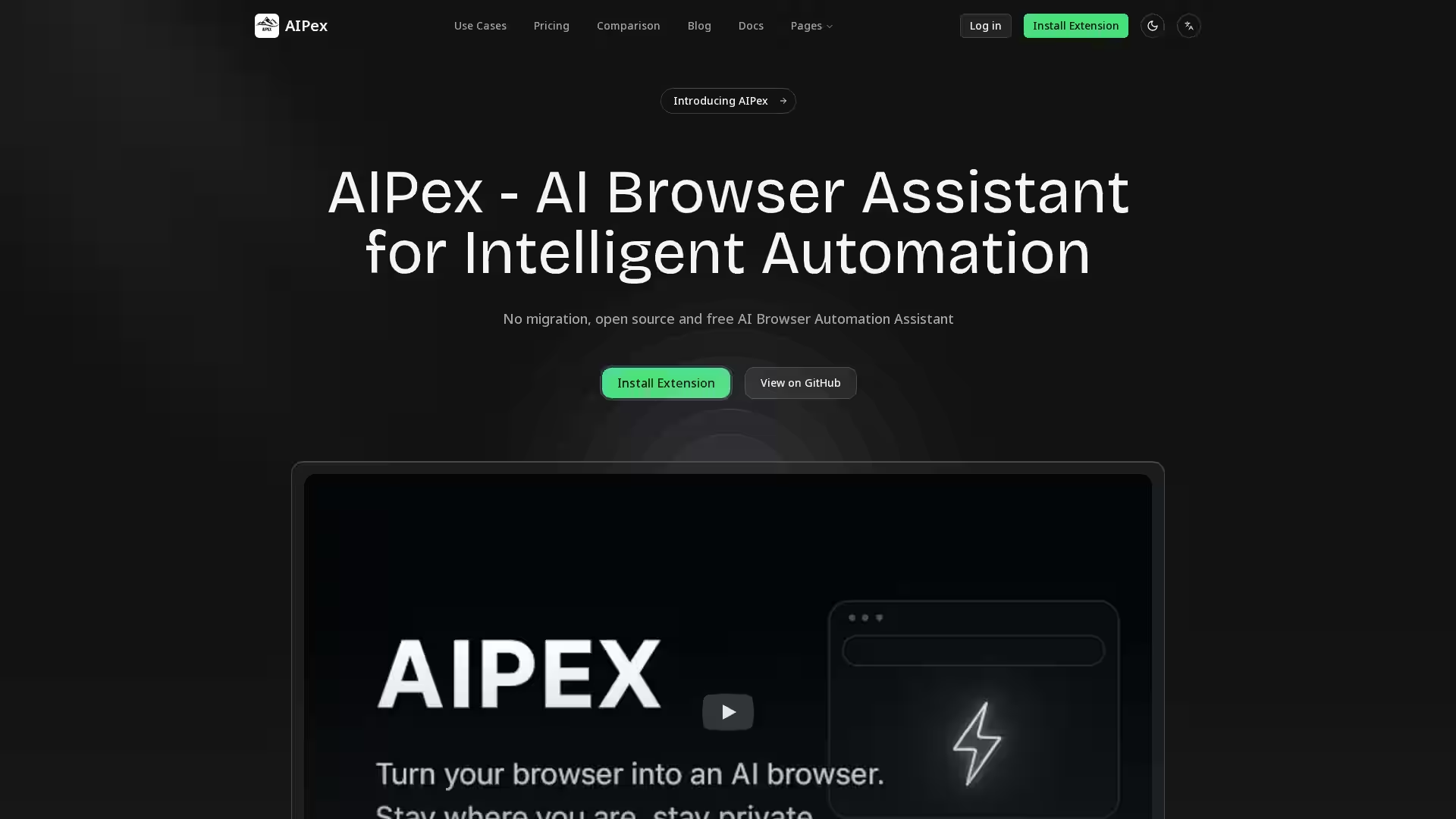
AIPex is an innovative AI-powered browser assistant designed to automate and enhance your browsing experience directly within your existing Chrome setup. Unlike other AI browsers like ChatGPT Atlas, Comet, or Manus Browser Operator that require switching browsers, AIPex installs as an extension on your current Chrome browser — preserving all your bookmarks, extensions, and settings without any migration. It is free, open source, and focuses on privacy-first AI automation, empowering thousands of users with intelligent browser task automation for improved productivity and effortless web interactions.
AIPex uses natural language to let you control your browser seamlessly, automating complex tasks without writing code. Its open source nature encourages transparency and community-driven improvements, making it a powerful alternative to proprietary AI browser solutions. Whether you’re a casual user, power user, or business team, AIPex offers scalable plans and advanced features tailored to diverse user needs.
Key Features
Zero Browser Migration: Keep your existing Chrome browser setup intact. No switching or importing necessary.
Natural Language Browser Control: Navigate, search, organize, and extract data from tabs and webpages using conversational commands.
Open Source & Free: Fully open-source extension with no usage fees on the basic tier; fosters a transparent and collaborative ecosystem.
AI-Powered Intelligent Automation: Automate common browser tasks such as tab management, research, data extraction, form filling, bug reporting, and more.
Privacy-Focused: Designed to protect user data and privacy, ensuring AI processing respects confidentiality.
Advanced Agent Loop: Supports web scraping, data collection, and complex workflows effortlessly.
Support for Unlimited @tabs: Manage and interact with unlimited tabs via AI-driven categorization and summarization.
Screen Recording with AI Insights: Record your screen and receive intelligent analyses and structured video demos.
Bug Documentation & Reporting: Automatically capture bugs with screenshots and generate step-by-step instructions.
Customer Support Automation: Generate knowledge base articles automatically from support logs for faster service.
Training Material Creation: Build tutorials and training content from video and session recordings.
FAQ
Q: How is AIPex different from other AI browsers like ChatGPT Atlas or Comet?
A: AIPex works as an extension on your current Chrome browser—no need to migrate or switch browsers. It’s open source, free to start, and designed to integrate seamlessly into your existing workflow with all your bookmarks and settings intact.
Q: Is my data safe when using AIPex?
A: Absolutely. AIPex prioritizes privacy with no unnecessary data collection. All automation features run locally or with trusted AI models under privacy-conscious policies.
Q: Can I customize AIPex features?
A: Yes. AIPex supports customizable automation workflows and integrates with various AI models, plus it is open source, allowing advanced users to tailor functionality.
Q: How do I install AIPex?
A: Simply install the extension from the Chrome Web Store or directly from the GitHub repository. It installs in seconds and immediately works with your existing browser setup.
Q: What plans does AIPex offer?
A: There are three plans—Basic ($20/month), Pro ($60/month), and Business ($100/month)—providing increasing monthly AI credits, support, advanced features, and team collaboration capabilities.
Q: Can I use AIPex for team collaboration?
A: Yes. The Business plan includes dedicated support and features for team collaboration.
Q: What is the @tabs feature?
A: It allows you to interact with, organize, and automate actions across all your browser tabs seamlessly using AI-driven commands.
Join thousands of users who already rely on AIPex to transform their browsing workflow with intelligent AI automation—install today and experience smarter browsing without compromise.