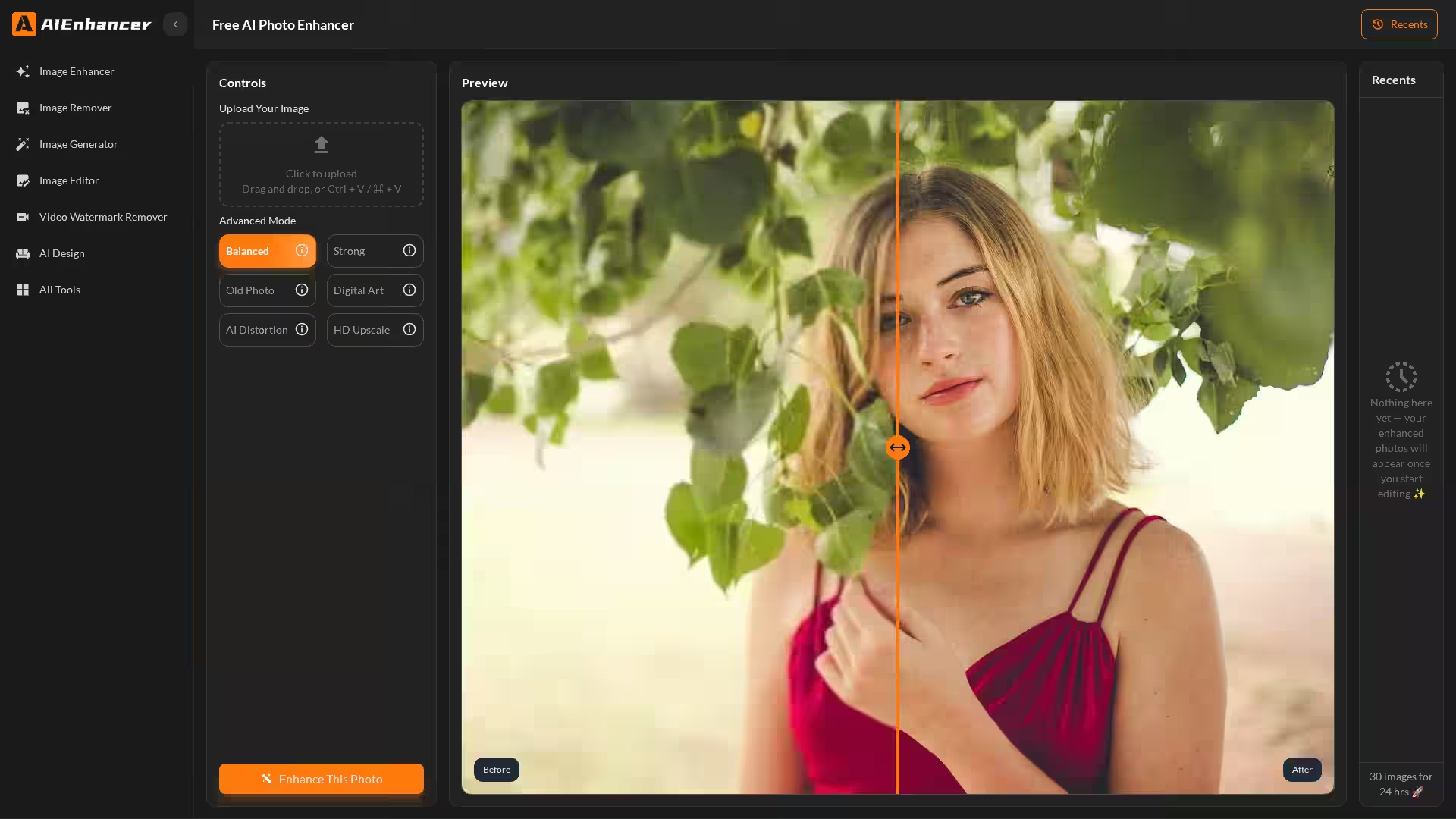
AIEnhancer is a powerful, free online AI photo enhancer designed to transform blurry, low-resolution, or AI-generated images into stunning, high-resolution photos with vibrant colors and sharp details. Trusted by over 1 million users worldwide, this tool offers intuitive, browser-based functionality without the need for any software installation. Whether you want to restore old family photos, improve product images, or fix distortions in AI artworks, AIEnhancer applies intelligent AI algorithms to enhance photo quality up to 4K resolution effortlessly.
With just four simple steps—upload, select enhancement mode, preview, and download—anyone can achieve professional-grade results. The enhancer addresses common photo quality issues such as noise, blur, washed-out colors, and pixelation with customized AI-powered corrections, delivering clear, vibrant, and visually appealing images suitable for printing, sharing, or commercial use.
Key Features
Resolution Upscaling to 4K: Transform low-resolution, pixelated, or blurry images into sharp 4K photos with restored fine details and textures.
Noise & Blur Removal: Remove haze, motion blur, and noise while preserving natural look and texture using AI-driven sharpening.
Color Correction & Enhancement: Revive dull or faded photos with balanced brightness, contrast, and realistic color vibrancy.
AI-Generated Art Repair: Fix distorted faces, warped objects, and unnatural textures common in AI-generated images to create natural, polished artwork.
Old Photo Restoration: Restore faded, yellowed, or damaged images by recovering lost details and correcting colors.
Dark & Noisy Photo Beautification: Brighten and clean low-light or noisy photos to produce clear and professional-quality results.
Product Photo Enhancement: Improve e-commerce and catalog images by sharpening edges, enhancing colors, and increasing visual appeal.
Online & Free to Use: No downloads or installations needed; access via any modern browser with a free basic enhancement service.
Personal Photo Restoration: Bring old family portraits and memories back to life with improved clarity and color.
Travel & Event Photography: Fix blurry or poorly lit photos to create vibrant social media-ready images.
AI Art & Digital Creations: Correct common AI-generated distortions and artifacts to present polished, lifelike digital art.
E-commerce & Marketing: Enhance product photos for catalogs, online stores, and advertisements that stand out.
Professional Portfolio Building: Deliver high-resolution, sharp images suitable for print, online portfolios, or client presentations.
Content Creators: Quickly upscale and optimize images for blogs, videos, presentations, and digital content.
FAQ
How does AIEnhancer improve photo quality?
Upload your image, select an enhancement mode such as upscaling or noise removal, and the AI analyzes and repairs imperfections, restoring missing details and improving sharpness and color.
Can it fix blurry images?
Yes, AIEnhancer intelligently removes motion blur and out-of-focus details, sharpening edges and textures while maintaining a natural look.
Does it work on AI-generated images?
Absolutely. It detects and repairs typical AI art distortions like warped faces, unnatural skin textures, or mismatched objects to improve realism.
What image types can be enhanced?
Old, faded photos, low-resolution images, noisy or dark pictures, blurry shots, AI art, and product images can all be enhanced.
Is AIEnhancer suitable for professionals?
Yes, it produces high-quality, 4K resolution outputs with accurate colors and sharp details, ready for printing, portfolios, and online marketing.
Do I need to download software?
No, AIEnhancer is fully online and works through any web browser without installation.
Is it free?
The basic AI photo enhancement tools are completely free to use. Some advanced features may require a subscription.
Enhance your photos today with AIEnhancer — restore colors, sharpen details, remove noise, and upscale images to stunning clarity effortlessly.