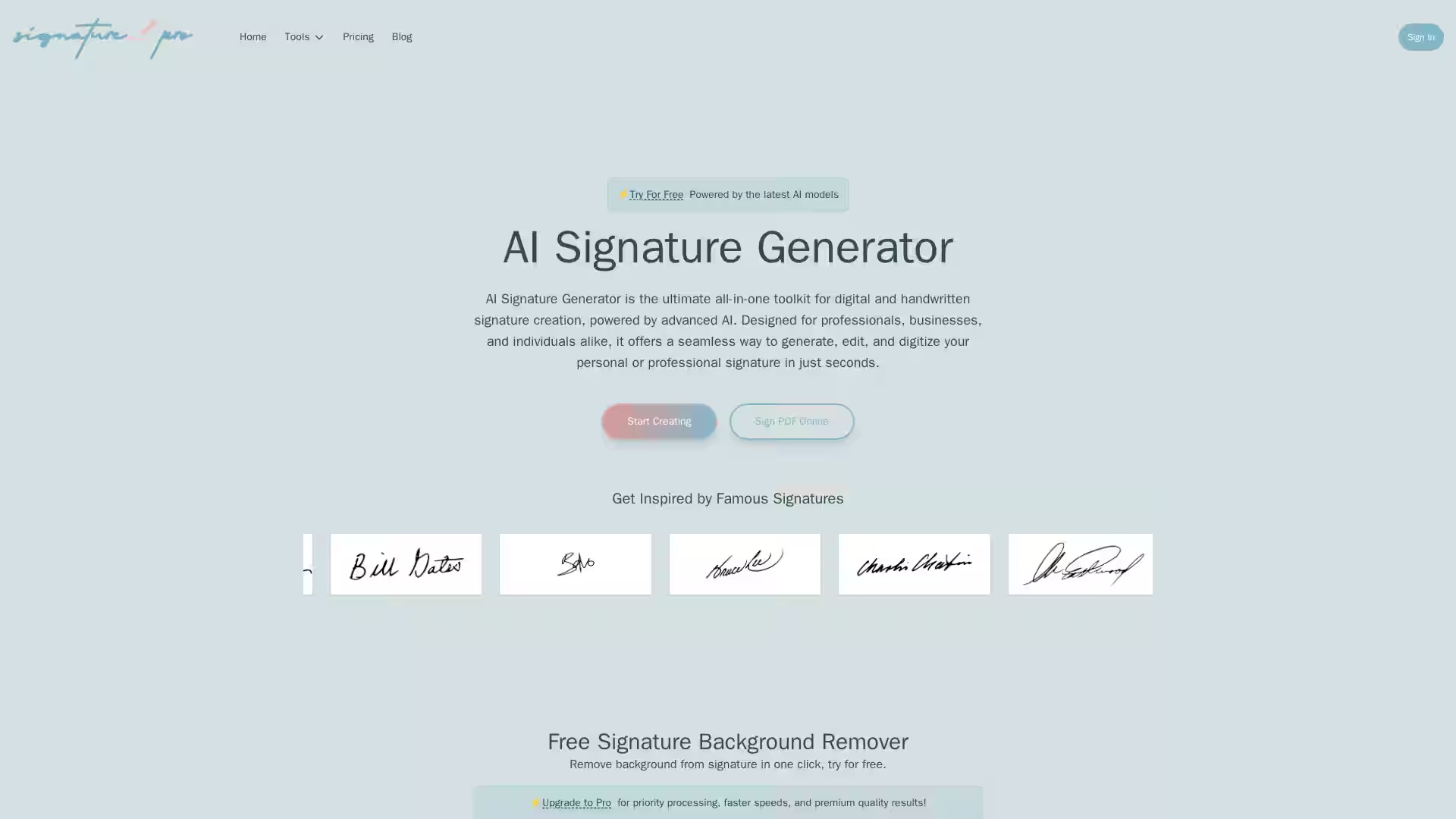
The AI Signature Generator is an advanced, all-in-one platform for creating, editing, and digitizing professional and personal signatures with the power of artificial intelligence. Built for professionals, businesses, and individuals, it harnesses sophisticated AI models to capture natural handwriting flow and produce authentic, unique signature styles in seconds. Whether you want to design a signature from scratch, refine an existing one, or convert your handwritten autograph into a polished digital format, this toolkit centralizes every signature-related task in one easy-to-use interface.
Unlike simple font generators or image editors, AI Signature Generator leverages trained models that interpret handwriting patterns, mimic natural pen strokes, and offer customizable stylistic variations ranging from elegant cursive to bold modern designs. This ensures that your signature stands out while retaining personal character. Furthermore, the tool offers background removal, PNG export, and online PDF signing capabilities without requiring any software installation.
Key Features
1. AI Signature Generator (Text-to-Signature)
Create unique, professional signatures directly from text prompts.
Choose from multiple styles such as cursive, bold, artistic, or minimal.
Fully customizable for size, color, and style preferences.
2. AI Signature Editor
Upload existing signature files and modify them using plain language instructions.
Commands like “make it thinner” or “add more slant” are instantly applied with AI precision.
Allows fine-tuning of slant, thickness, flourish, and elegance.
Convert handwritten signatures from paper or photos into high-resolution digital versions.
Removes backgrounds automatically while preserving authentic pen stroke patterns.
Outputs clean, professional PNG files suitable for contracts and digital documents.
4. Signature Background Remover
Instantly remove backgrounds from signature images.
Produces transparent PNGs ideal for overlaying on documents.
Works with PNG, JPG, JPEG, and WEBP formats up to 20MB.
5. PNG Signature Maker
Generate high-quality PNG signatures ready for electronic signing.
Transparent backgrounds for seamless document integration.
6. Sign PDF Online
Add signatures, text, and dates to PDFs directly from the browser.
Secure, free-to-use, with no download or installation required.
Perfect for quick eSign tasks without specialized tools.
7. Free Tools Access
Background remover and PDF signing capabilities are available for free.
Upgrade to Pro for faster processing and priority rendering in premium quality.
Use Cases
Business Professionals
Contracts & Legal Documents: Quickly sign NDAs, agreements, or letters without printing.
Brand Consistency: Maintain a polished signature style across platforms.
Freelancers
Digital Deliverables: Sign invoices, proposals, or designs with unique branding.
Portfolio Customization: Add elegant watermarks or signature marks.
Artists & Creatives
Artwork Authentication: Digitally sign creations while preserving handwritten character.
Logo Integration: Blend signature into digital brand assets.
General Individuals
Personal Letters: Add sophistication to digital correspondence.
Identity Representation: Create a signature that mirrors your personality.
FAQ
Q: What tools are included in AI Signature Generator?
A: The suite includes AI Signature Generator, AI Signature Editor, AI Signature Extractor, PNG Signature Maker, Signature Background Remover, and Sign PDF Online.
Q: How does the AI Signature Generator work?
A: You enter your name or initials, and the AI generates multiple signature options by simulating natural handwriting flow.
Q: Can I modify a signature after generating it?
A: Yes, through the AI Signature Editor you can adjust slant, thickness, elegance, and more using simple commands.
Q: Are AI-generated signatures legally binding?
A: It depends on jurisdiction. They may be fine for informal or digital uses, but compliance with local e-signature laws is required for legal contracts.
Q: Is my data stored?
A: No, signatures are not stored after you download them. Security afterwards depends on your own storage and document platform.
Q: Can I create multiple signatures?
A: Yes, you can generate and customize as many signatures as you want individually.
The AI Signature Generator is the go-to toolkit for anyone who wants fast, professional, and customizable signature creation powered by AI technology. Whether you're crafting a new mark of identity or refining your existing one, this platform delivers results in seconds without compromising style or authenticity.